Initializing QC Radar...
0%
Defensive Ingestion: Vision QC

Ensure visual compliance
at ingestion.

Automated quality control at ingestion. Enforce strict brand rules, detect unauthorized IP, and route rejects instantly—before they hit your commerce stack.

ZYNG_VISION_KERNEL // ACTIVE
ERROR
Executing Rules
RULE 01: MODEL PRESENCE
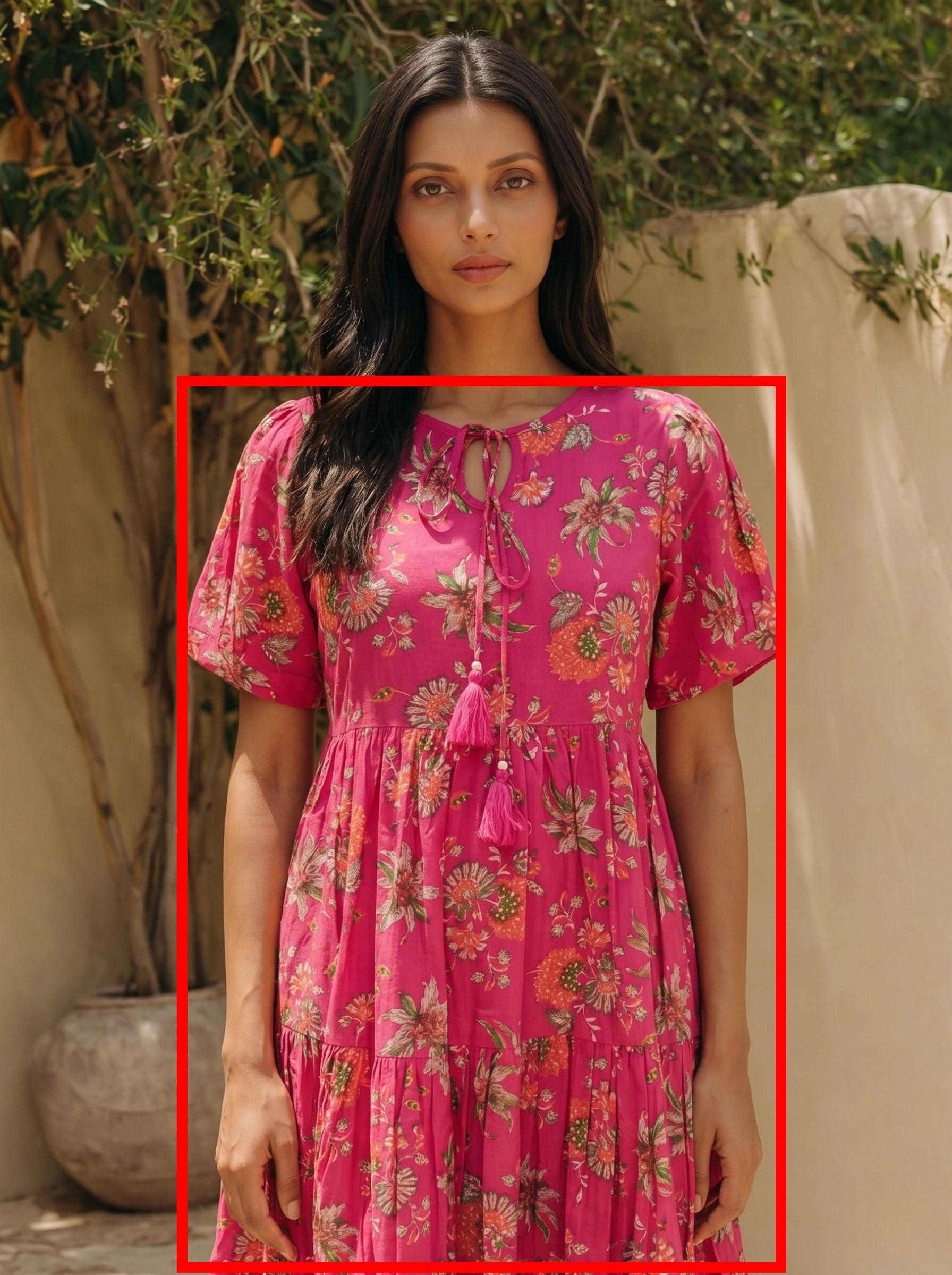
RULE 03: HEAD/FACE CHECK
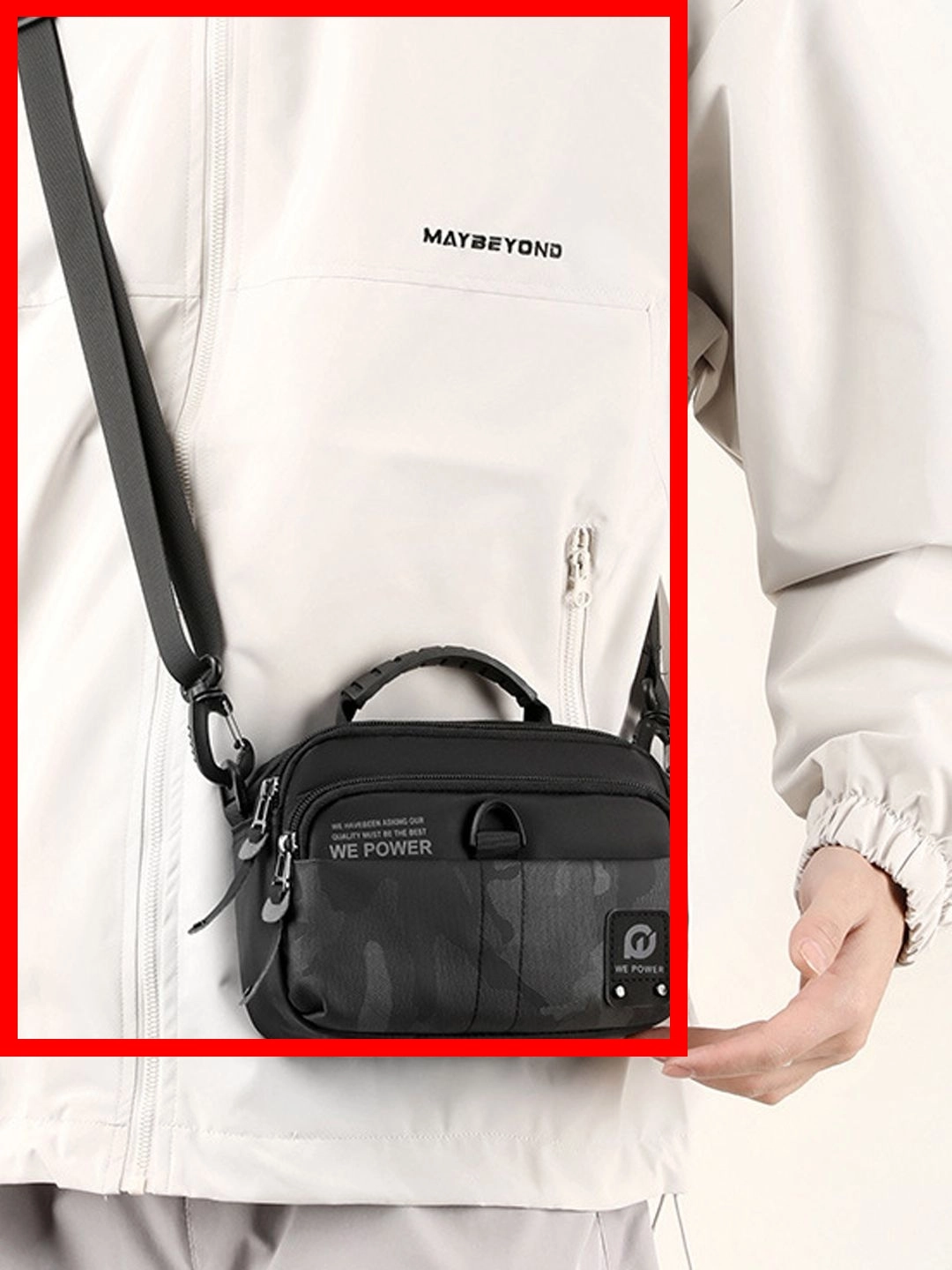
RULE 08: LOGO/IP SCAN
RULE 09: BLUR ANALYSIS
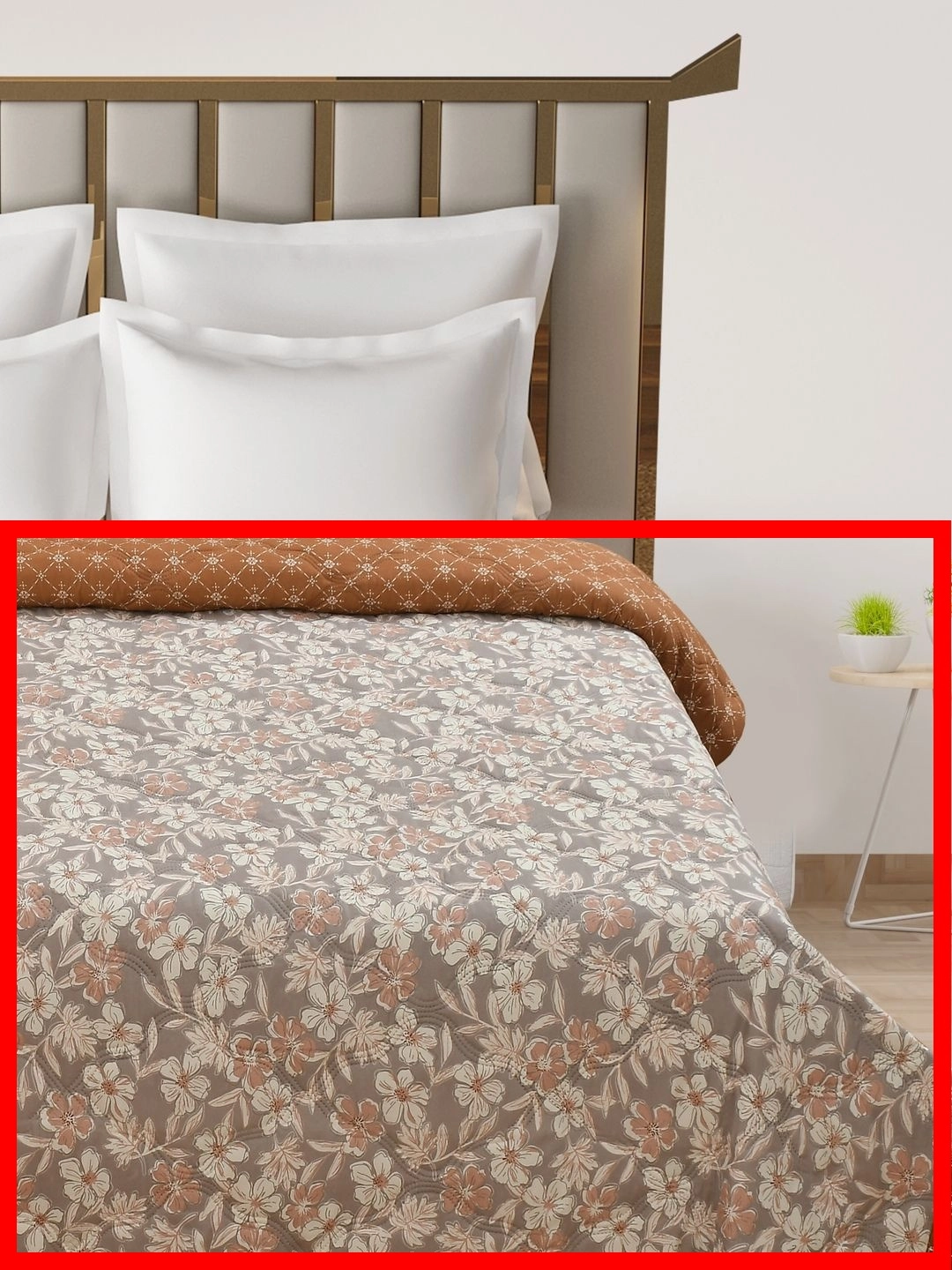
RULE 10: FLAT-SHOT REJECT
AWAITING ASSET...
01 SKU Ingestion Gallery
Visual Asset Inspection
02 11-Point Apparel Rules Engine
All Rules Active

11-Point Apparel
Rules Engine

Every inbound asset passes sequentially through four check stages — Presence, Authenticity, Technical, and Framing — before it can advance. Hard failures route immediately to reject; soft flags queue for brand review. Zero human-in-the-loop.

11Checkpoints
4Check stages
97.4%Pass rate
0Humans in loop
ZYNG_QC // SEQUENTIAL_GATE_PIPELINE LIVE · AUTONOMOUS ROUTING
Raw asset
ingested
1
Presence 2 rules
Reject
2
Authenticity 4 rules
Reject
3
Technical 3 rules
Reject
4
Framing 2 rules
Review
Catalog
approved
11 rules
03 Neural Detailing & Similarity Checkpoints
Custom Detail Engine Active

Neural Detailing & Similarity Checkpoints

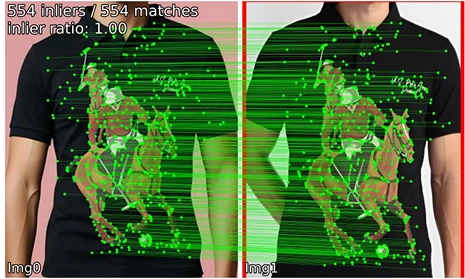
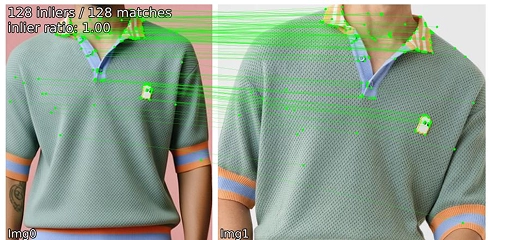
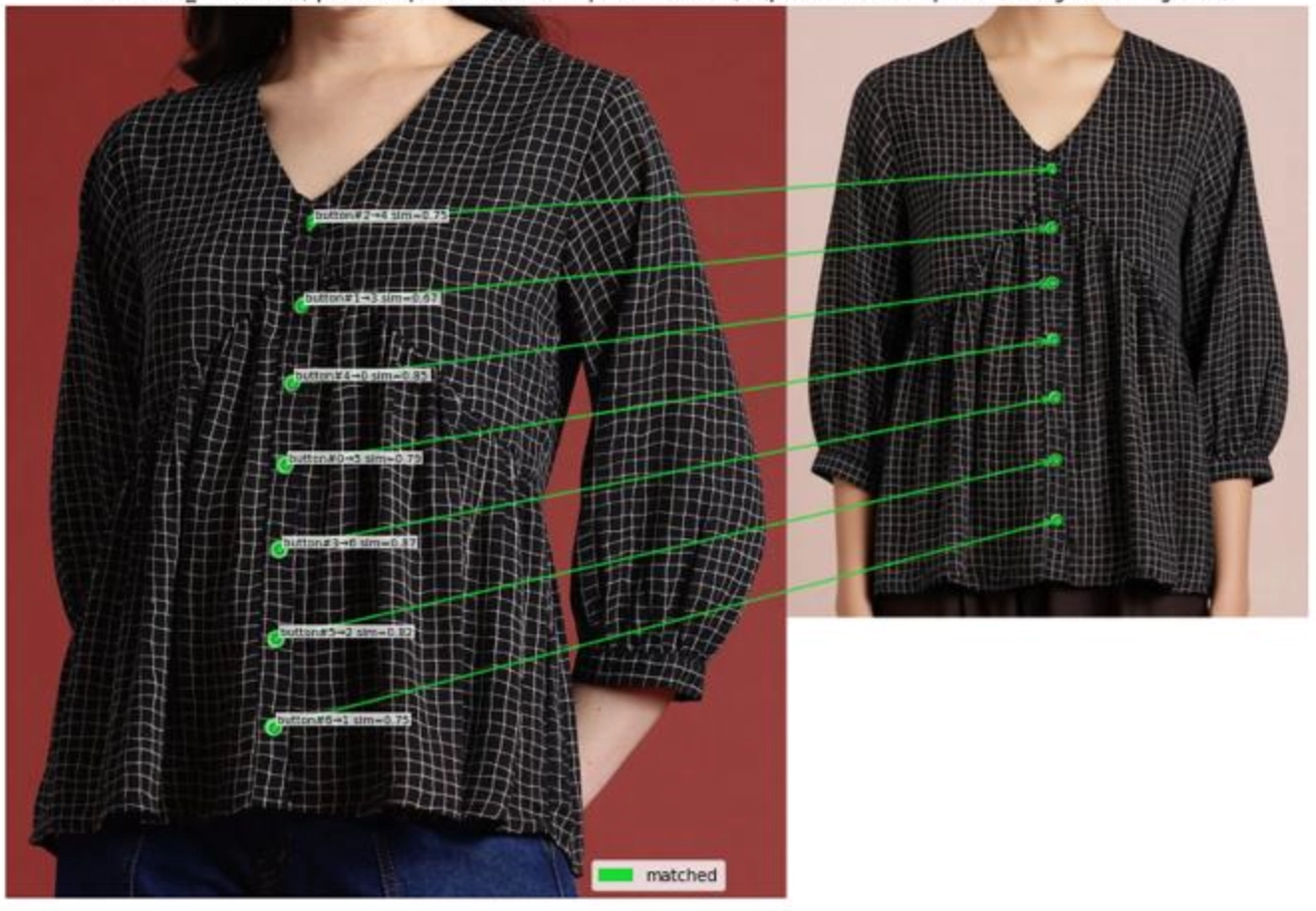
Our custom-trained quality control model executes point-by-point feature validation between flat-lay source garments and generated Virtual Try-On (VTON) outputs. We trace critical seam lines, alignment coordinates, and branding assets to guarantee output realism.

Graphic & Brand Logo Preservation
POINTCHECK_01_LOGO_VERIFY

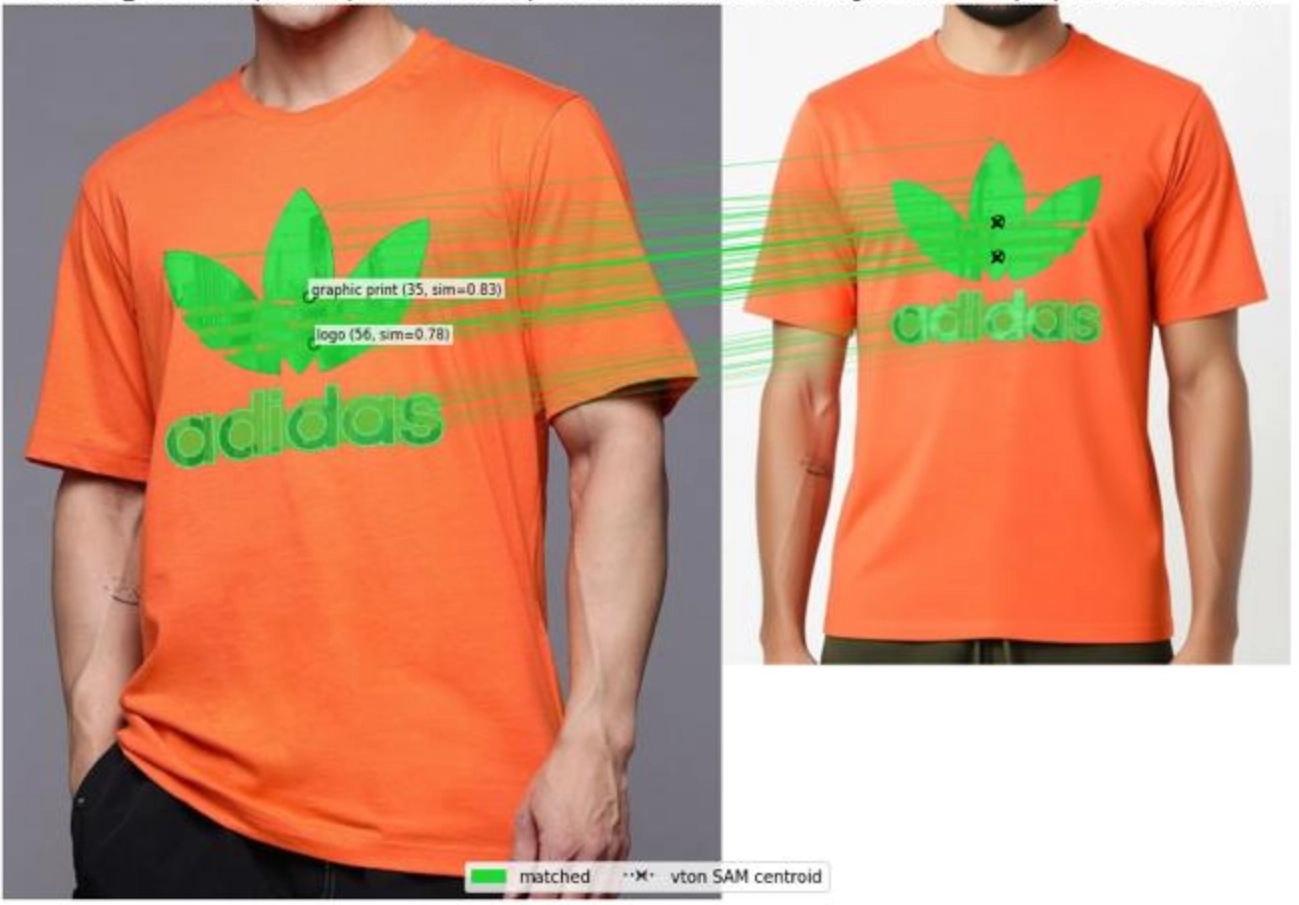
Traces color accuracy, print margins, and pixel preservation of complex graphic decals. Compares input packshots with try-on results to verify brand graphics stay crisp and correctly proportioned.
Active Pointcheck Analysis
Logo Alignment checkpoint
Logo Alignment
Stitch and Texture checkpoint
Stitch & Texture
Graphic Contours checkpoint
Graphic Contours
Collar and Sleeve checkpoint
Collar / Sleeve
Structural Match Index (SSIM) 99.1%
Logo Registration Deviation < 0.8px
Chromatic Drift (ΔE) 0.34 (Optimal)
Status Check APPROVED
04 Questions & Answers
Knowledge Base

Everything about automated Vision QC

What is the ZYNG OS Vision QC Engine?
It is an automated visual quality-control system that checks product photos as soon as they are uploaded. It automatically flags images that do not meet your brand standards—such as blurry pictures, incorrect framing, or unwanted logos—and alerts suppliers to fix them, reducing the need for manual reviews.
What does the 11-point apparel rules engine check?
The system checks your images against common presentation guidelines. It flags issues like blurry or pixelated photos, missing models, unwanted mannequins, cut-off heads, layout collages, watermarks, and unauthorized brand logos. Each image is evaluated against these standards and either approved or flagged for correction.
How does it detect logo violations and improper crops?
Our system uses visual recognition to scan photos for specific elements, like brand logos or human subjects. If an unauthorized logo is detected, or if a model's head is cut off at the edge of the frame, the system highlights the exact area where the issue was found so it can be quickly understood and corrected.
What happens when an image fails QC?
When an image does not pass the quality check, the system can automatically flag the platform withing the API framework.
How does it validate Virtual Try-On (VTON) outputs?
The system compares the original flat/model wearing the product photo with the generated try-on image to ensure quality and accuracy. It checks details like graphic alignment, texture patterns, and seams to make sure the virtual try-on looks realistic and matches the physical product before it goes live.
Get in touch

Write to us at

contact@zyngai.com