Every visual workflow.
Run on one OS.
ZYNG OS is the visual operating system for commerce — ingest raw photography and ship channel-ready assets at scale. From bulk editing, resize and retouch to mix-and-match, virtual try-on and ingestion QC, explore the workflows teams run every day.
One shoot. Infinite outfit combinations.
Mix and match tops and bottoms on a single base model to generate complete looks — no reshoots, no re-styling. Build combinations tuned to different target groups and grow a handful of garments into a full lookbook.
How one look is assembled
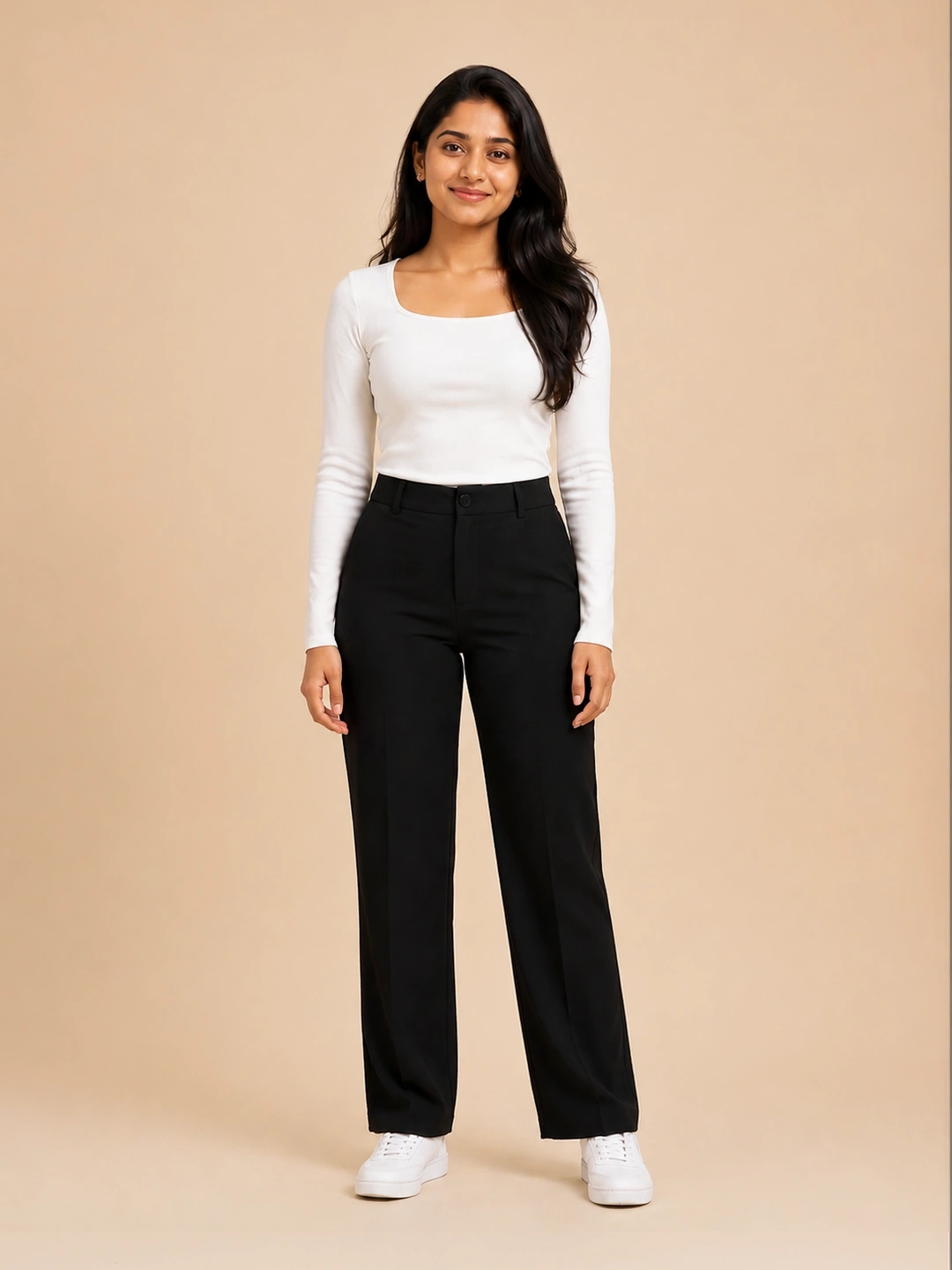
Base Model
One model, locked pose and lighting.
Input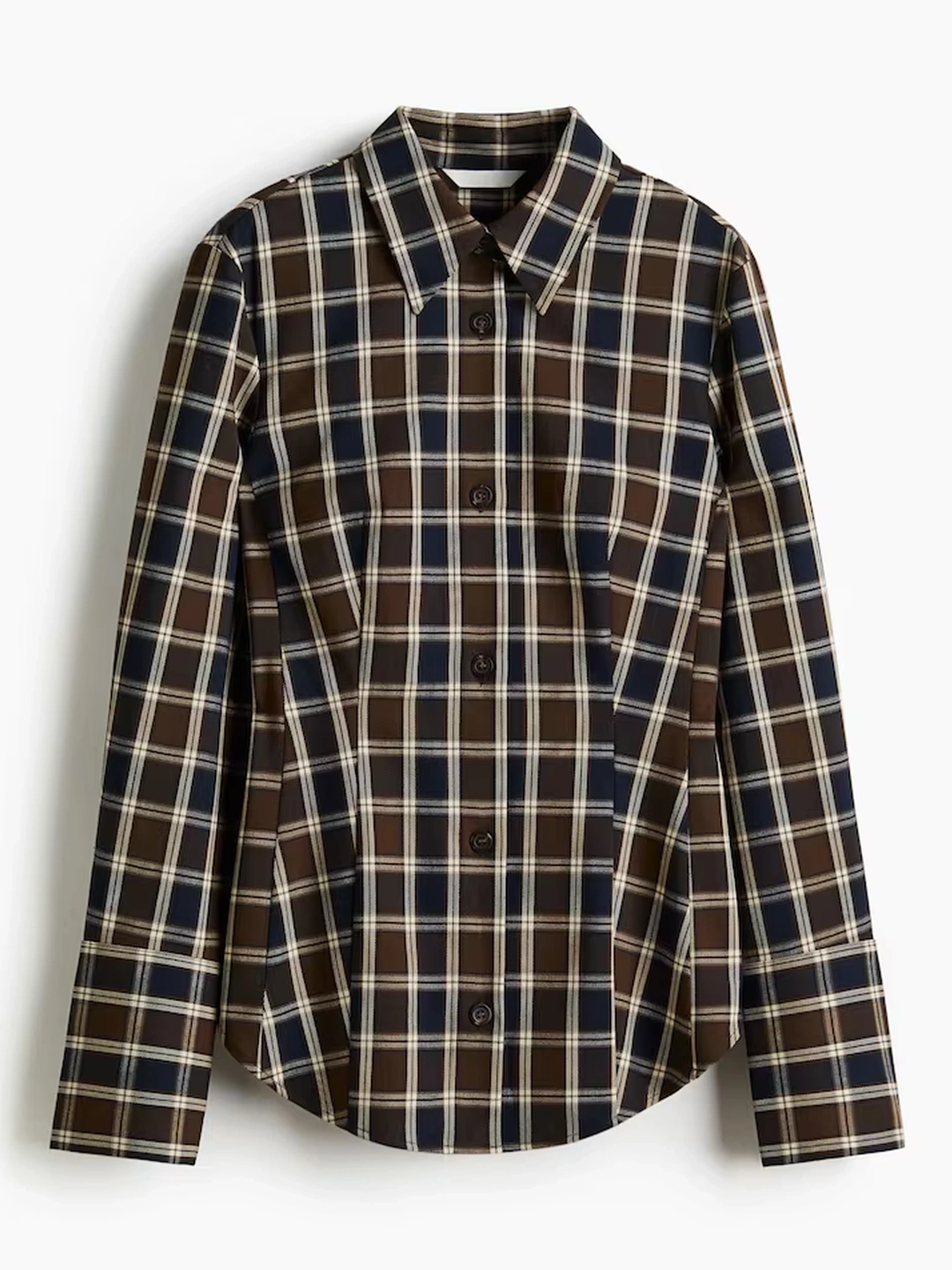
Target Top
Any catalogued top, dropped in.
Garment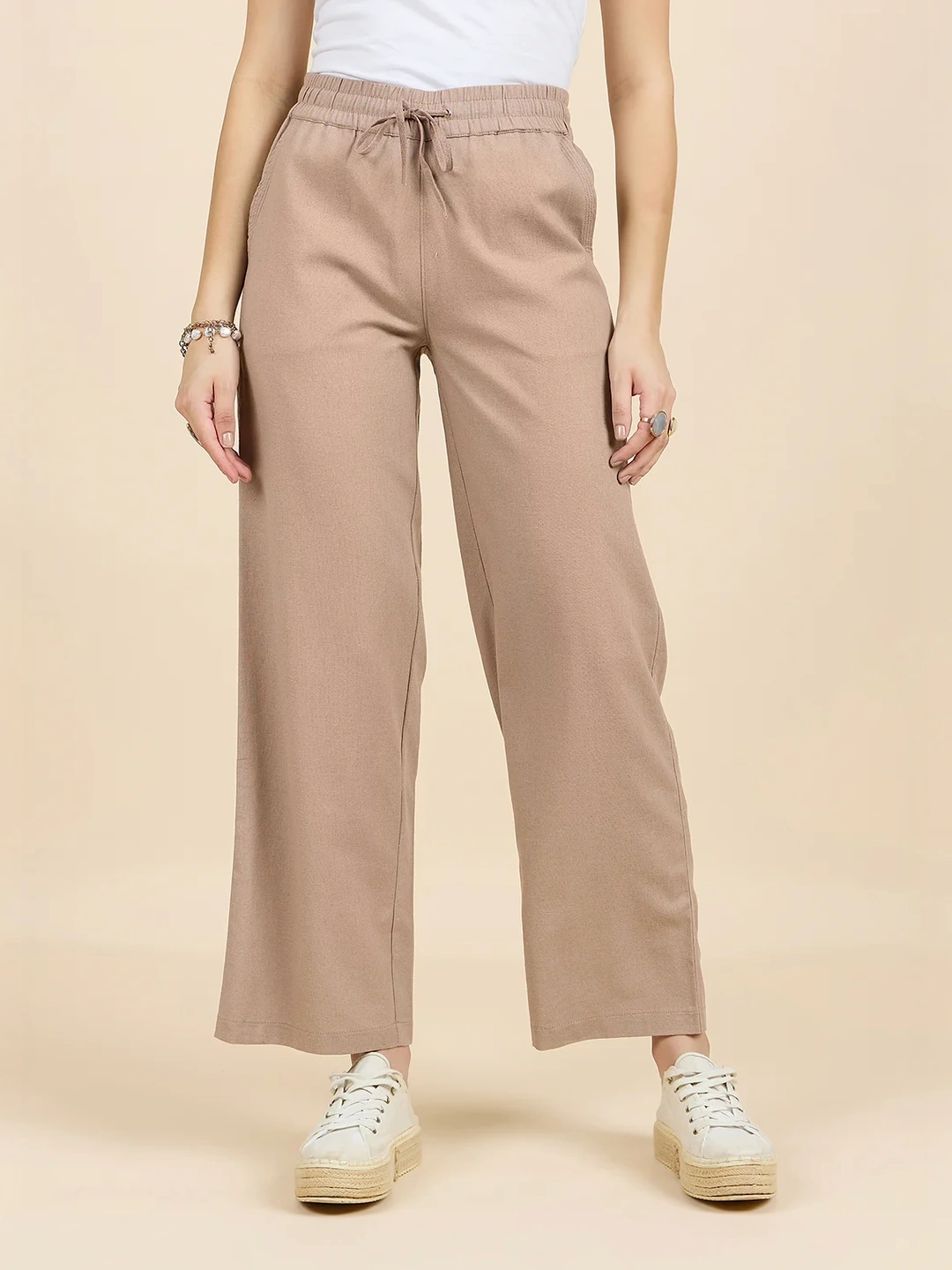
Target Bottom
Any catalogued bottom, dropped in.
Garment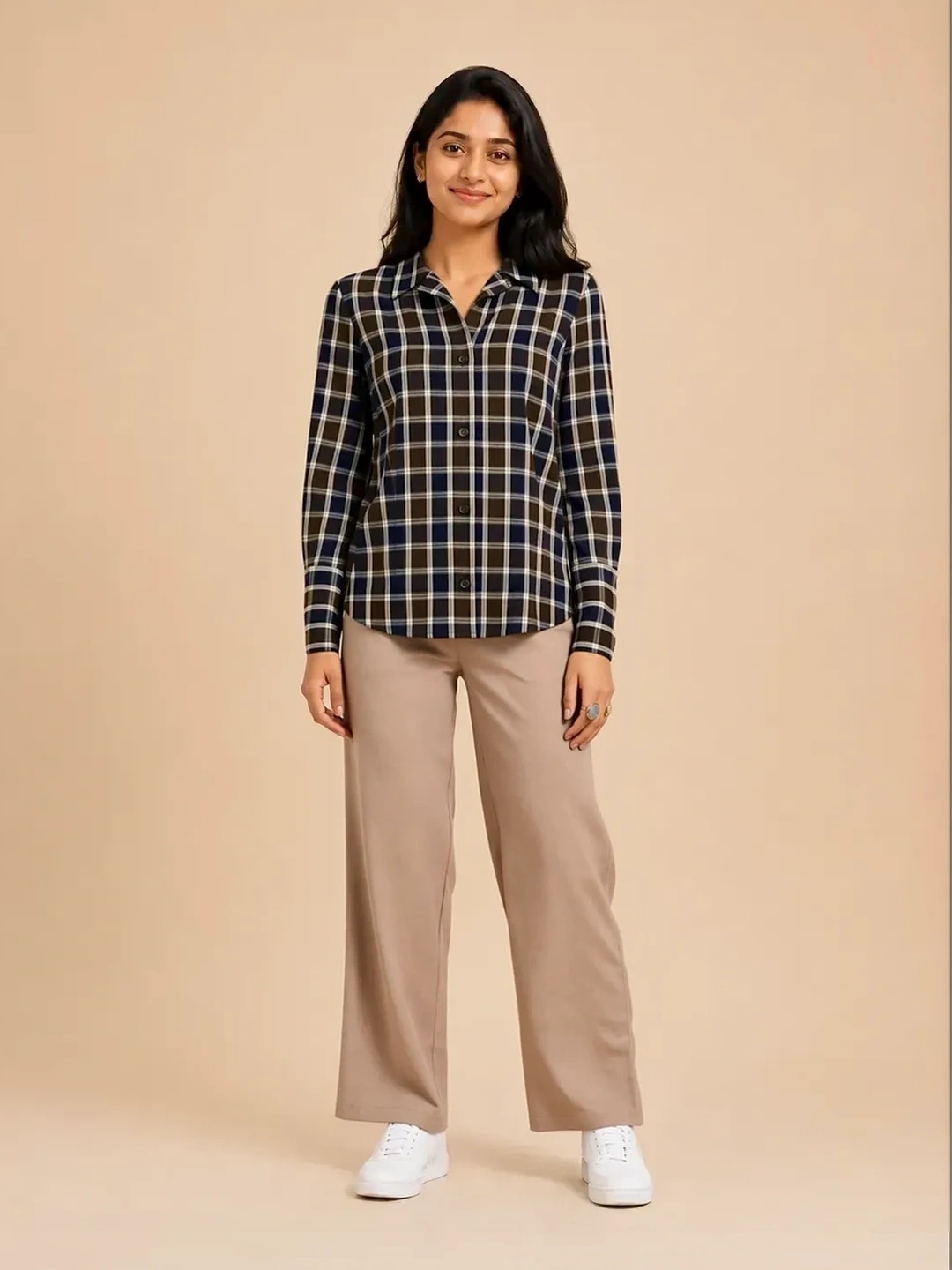
Rendered Output
Photoreal look, fit and drape intact.
OutputWhy teams run it
No Reshoots
New looks from stock garments.
Multi-Target
Style per audience segment.
Catalog Expansion
Few garments, many SKUs.
Output at a glance
Built for every category
A single selfie. Every garment, worn instantly.
Lock one base selfie and map any target garment onto it. Custom-trained diffusion models align folds, shadows and posture to the user — preserving identity and lighting — for photoreal try-on in under two seconds.
Selfie → garment → photoreal output
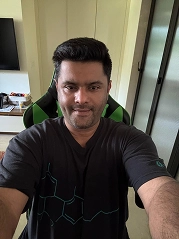
Selfie Input
One base selfie, identity locked.
Input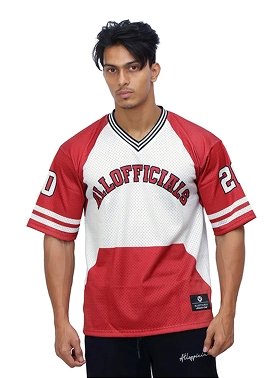
Target Garment
Any product, mapped to the user.
Garment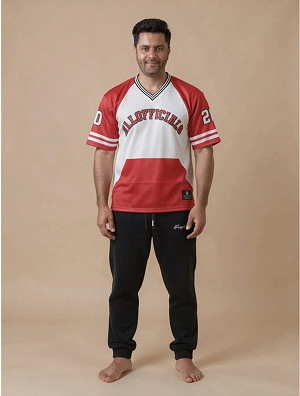
Photoreal Output
Folds, shadows and posture aligned.
OutputMore looks on one identity
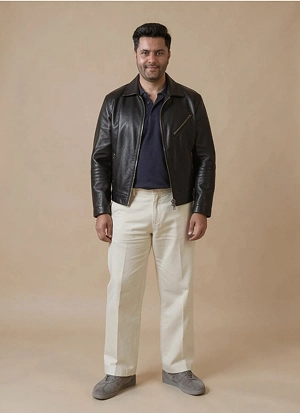
Layered Outerwear
Heavy leather drape, fold geometry solved.
Look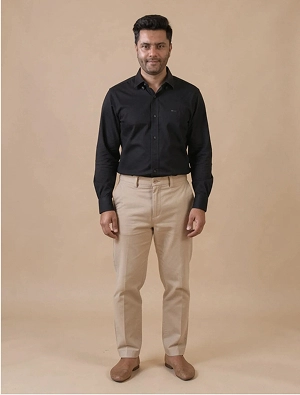
Smart Casual Oxford
Crisp shirting on the same identity.
Look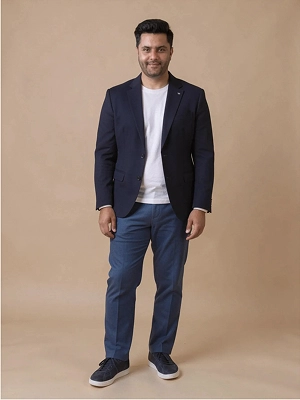
Tailored Structure
Structured tailoring, posture preserved.
LookHow it holds up
Where it ships
Stop bad assets before they ship.
Every image is checked against your rules the moment it lands — automated IP and logo detection, blur and sharpness analysis, hallucinated-text flagging and crop validation — so only clean, compliant assets reach the commerce stack.
Automated verdicts at ingestion
What it catches
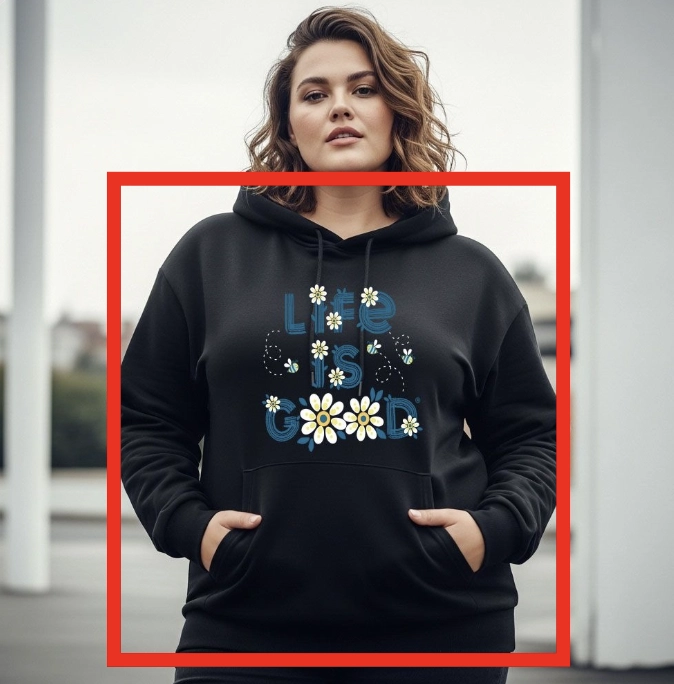
Subject Detection
Confirms a human and the right shot type.
Detect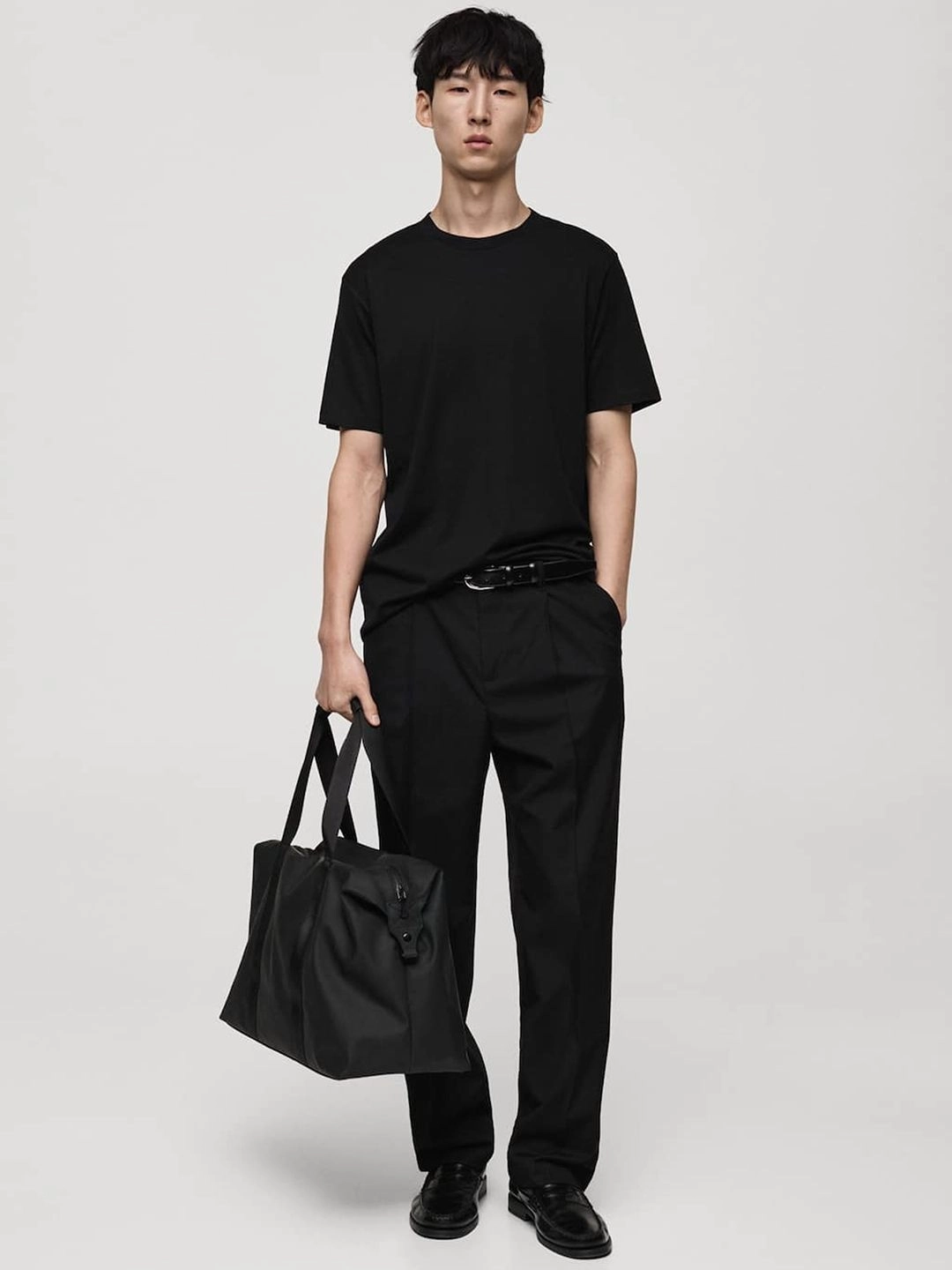
Compliance Scan
IP, logo and hallucinated-text checks.
Scan
Ingestion Log
Every verdict, audited and traceable.
Audit
Reference Match
Validates against your catalogue rules.
MatchEdit thousands of SKUs in one scalable run.
The core of ZYNG OS: a user-friendly batch engine that turns raw product photography into professional, on-brand visuals across an entire catalog — speed, consistency and AI quality without opening a single file by hand.
See it across the catalog
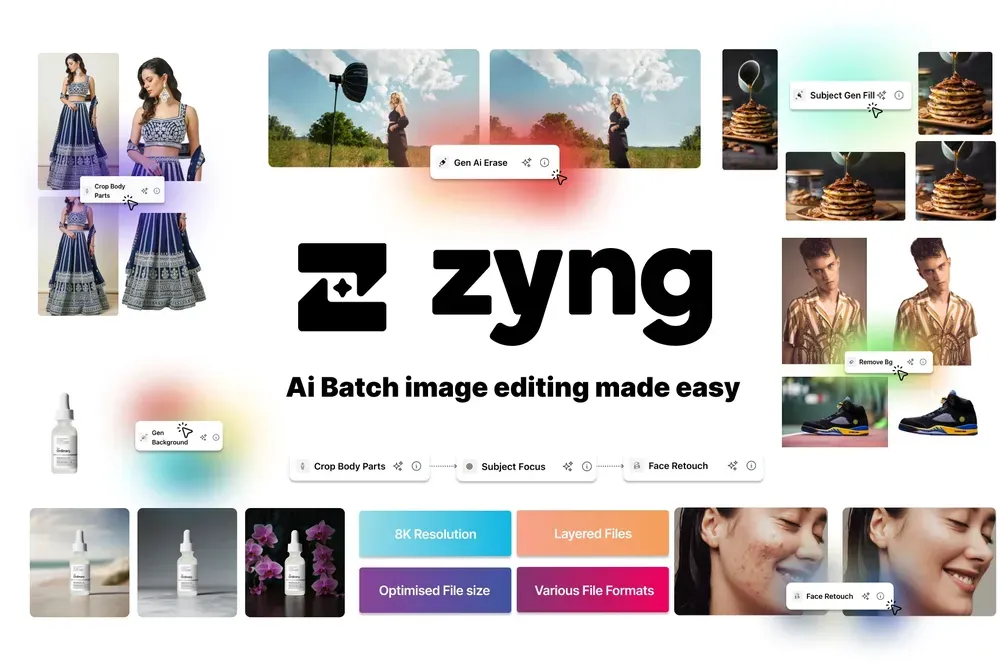
Bulk Batch Editing
The main editing canvas — apply any function across a whole catalog.
Batch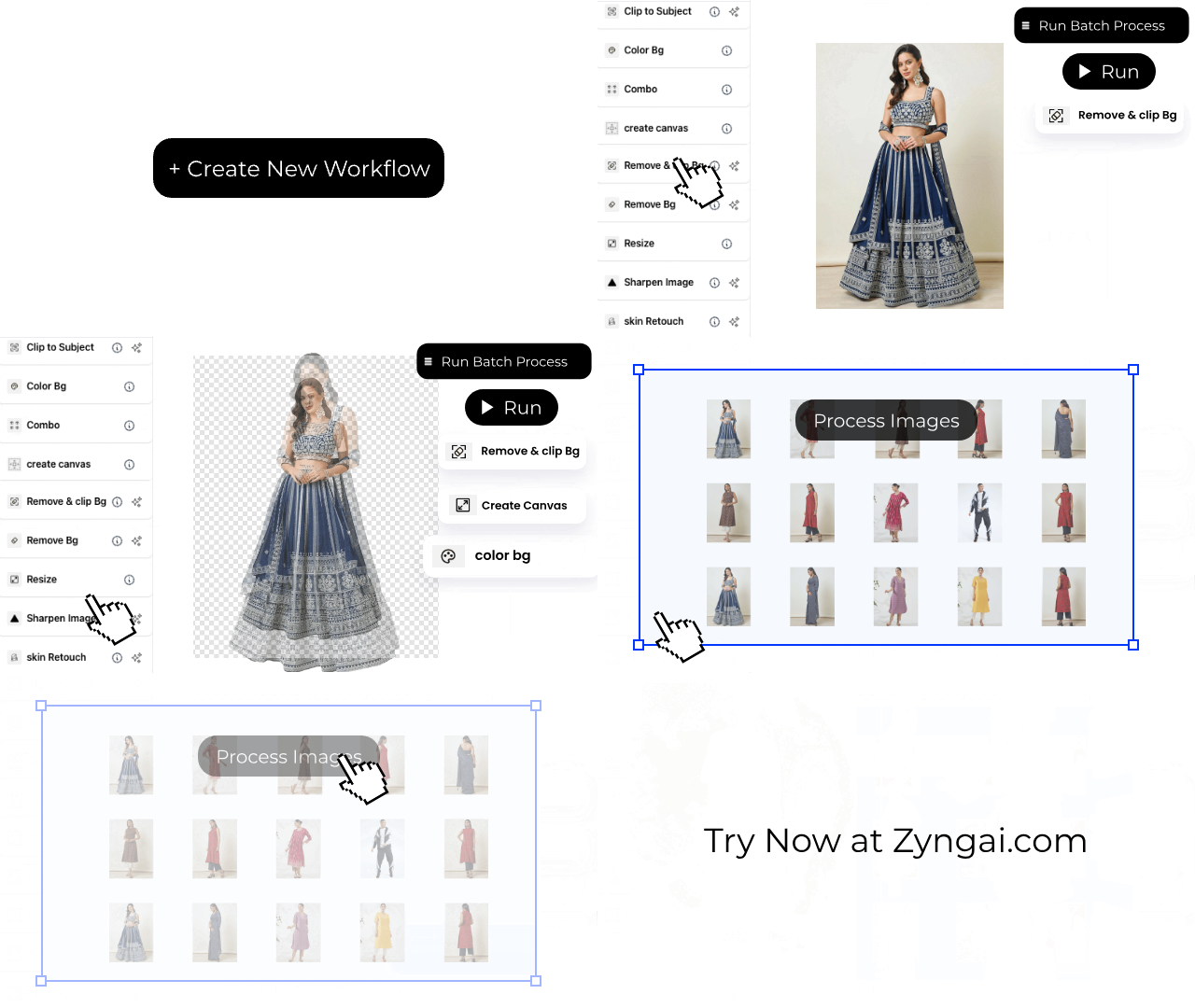
Batch In Action
Thousands of SKUs flowing through a single queue.
Live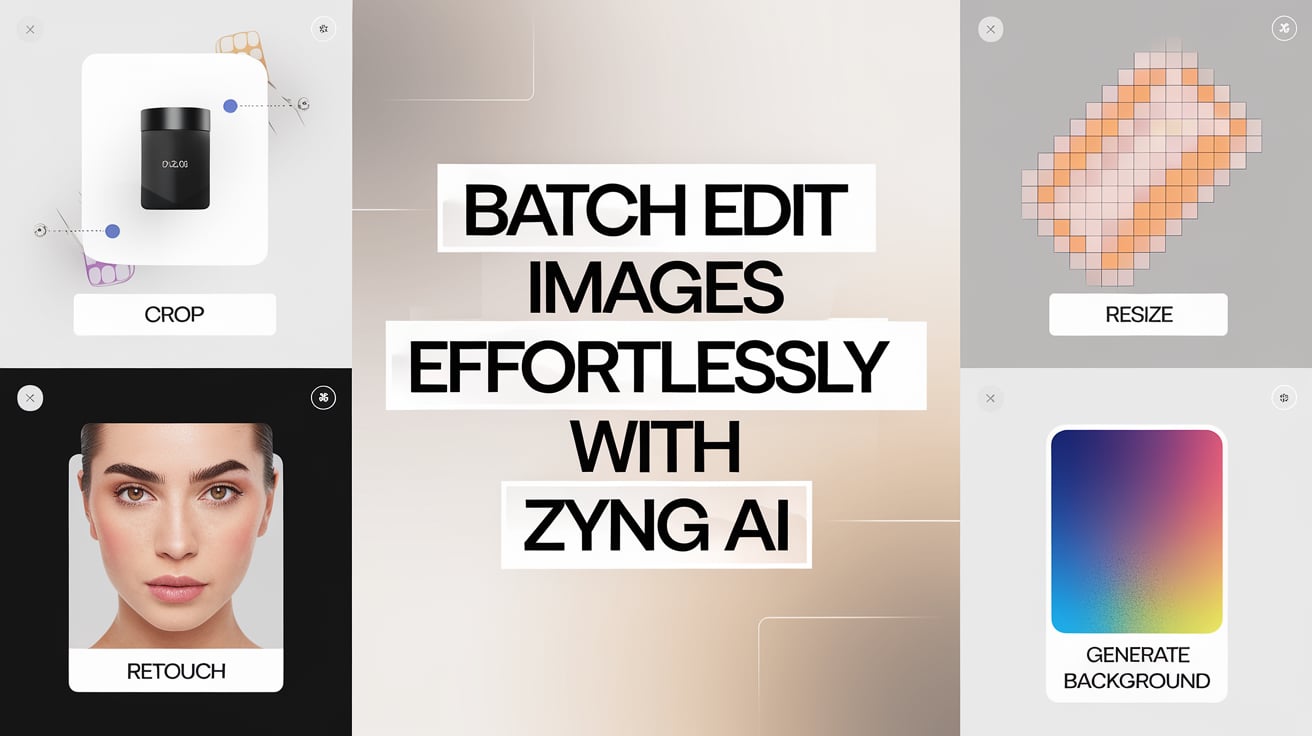
Best-in-Class Editor
Purpose-built for high-volume catalogs.
Editor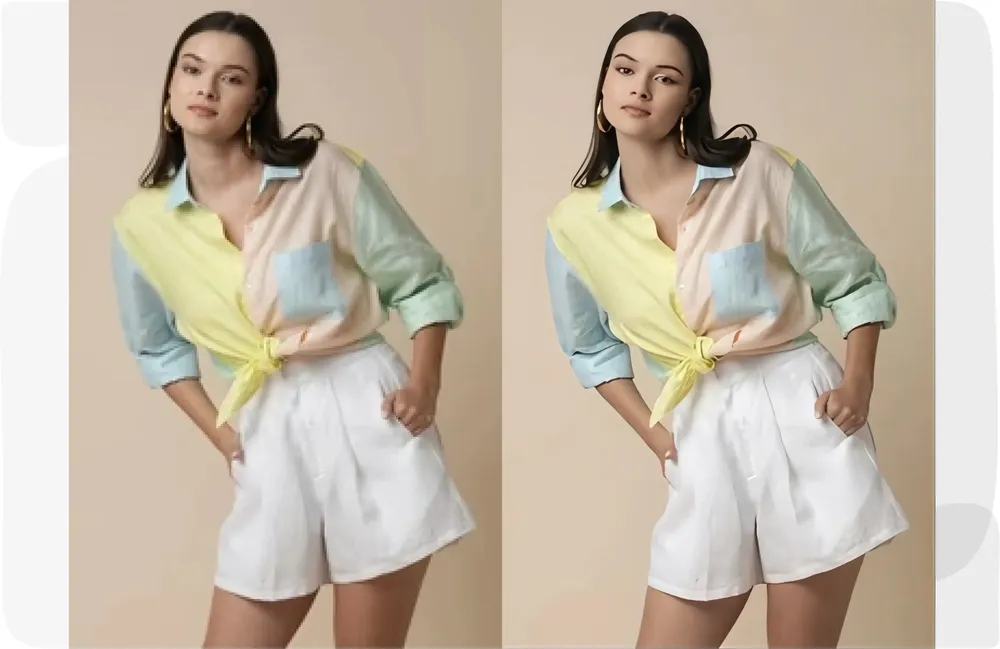
Image Upscale
Push low-res shots to crisp, zoom-ready resolution.
Upscale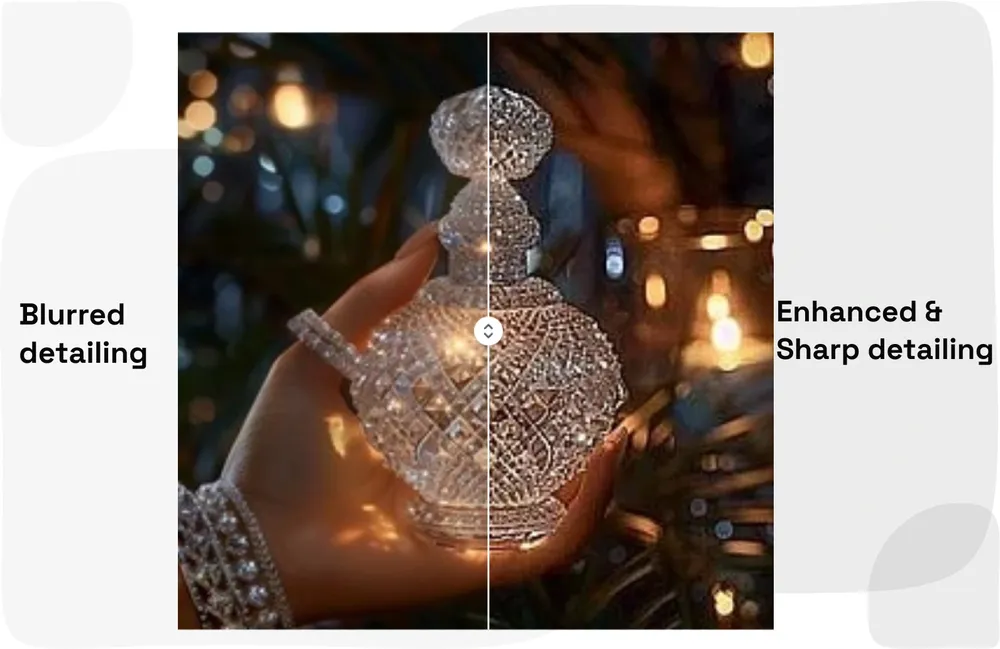
Image Sharpen
Recover crisp detail across the set.
EnhanceFace & Model Swap
Re-cast talent for diversity and brand fit.
SwapZYNG OS vs. traditional editing
The 4-step pipeline
Upload
One shot or bulk catalog.
Select
Pick functions.
Process
AI runs every image.
Download
Channel-ready.
Optimized for every marketplace
Built for every category
Shoot once. Reformat for every channel.
One master shot becomes platform-perfect dimensions for every marketplace, social feed and campaign. ZYNG OS is body- and margin-aware — it reframes the subject and extends backgrounds with generative fill, so aspect ratios and quality hold across channels with no re-shoots, no letterboxing and nothing cropped out.
Resize & generative-fill workflows
Generative Fill
Rebuild backgrounds instead of cropping the product.
Gen-Fill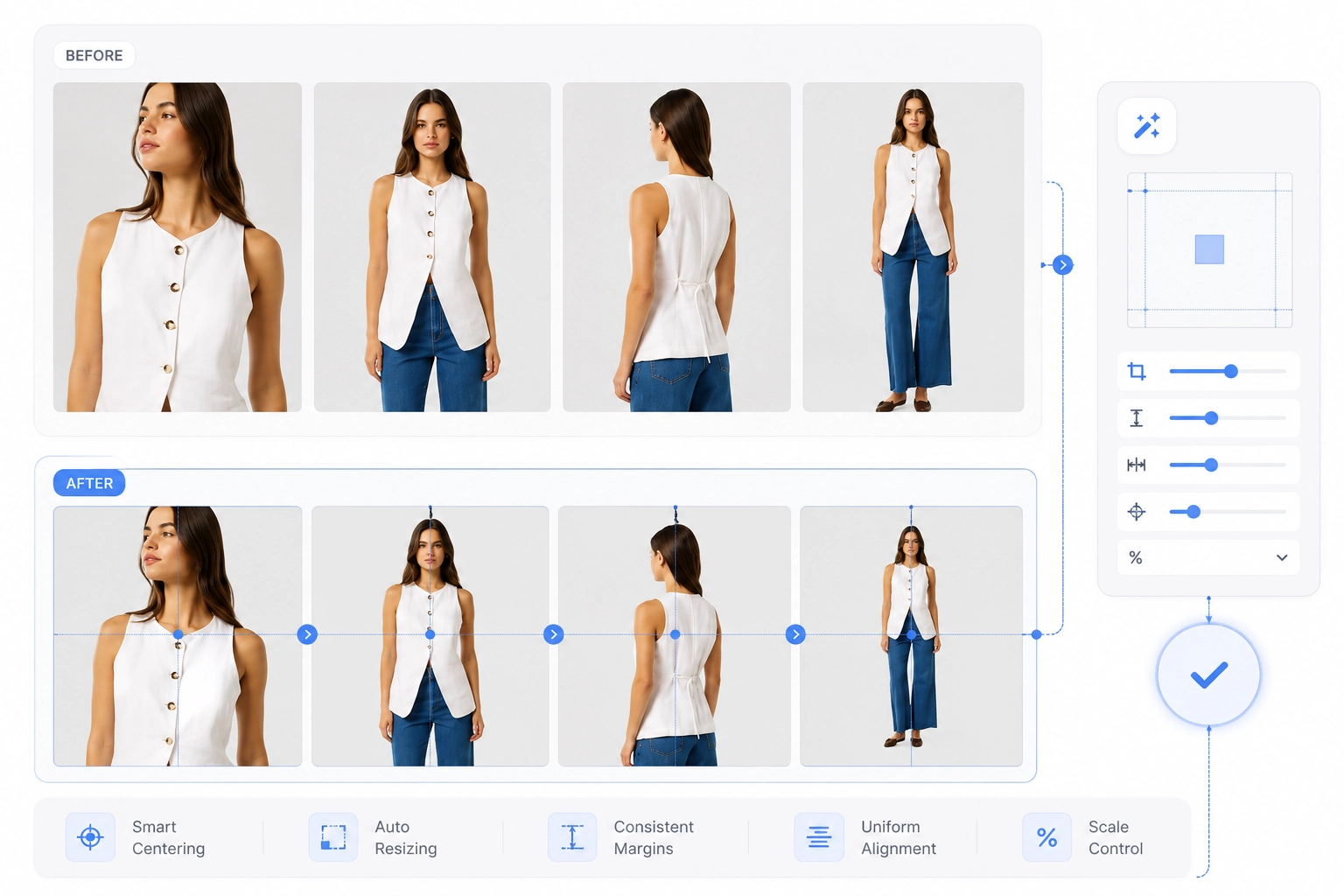
Magic Resize
One source, every aspect ratio — generated, not stretched.
ResizeIntelligent Editing
The engine adapts each image to the target format.
AIOne source image → every channel format
Simple 4-step workflow
Upload
One shot or bulk catalog.
Dimensions
Pick target sizes.
Process
Batch resize & fill.
Download
Use everywhere.
Built for every channel
Social Ready
Stories, feed & reels.
E-com Optimized
Marketplace specs.
Bulk Processing
Thousands per run.
Why teams run it
The complete AI image stack for fashion ecommerce.
Background removal, model swaps, smart cropping and swatch extraction in one platform, plus ten advanced production workflows — the visual engine trusted by 1000+ fashion brands to ship faster, cut costs and boost sales.
The fashion suite in pictures
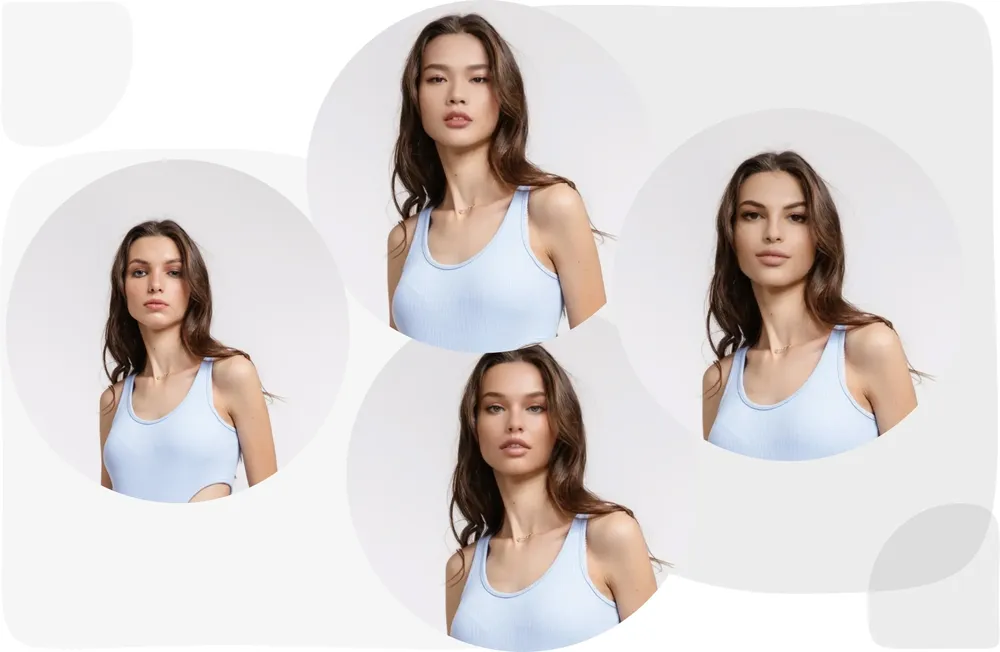
Model Swap
Re-cast models for diversity and brand consistency.
Fashion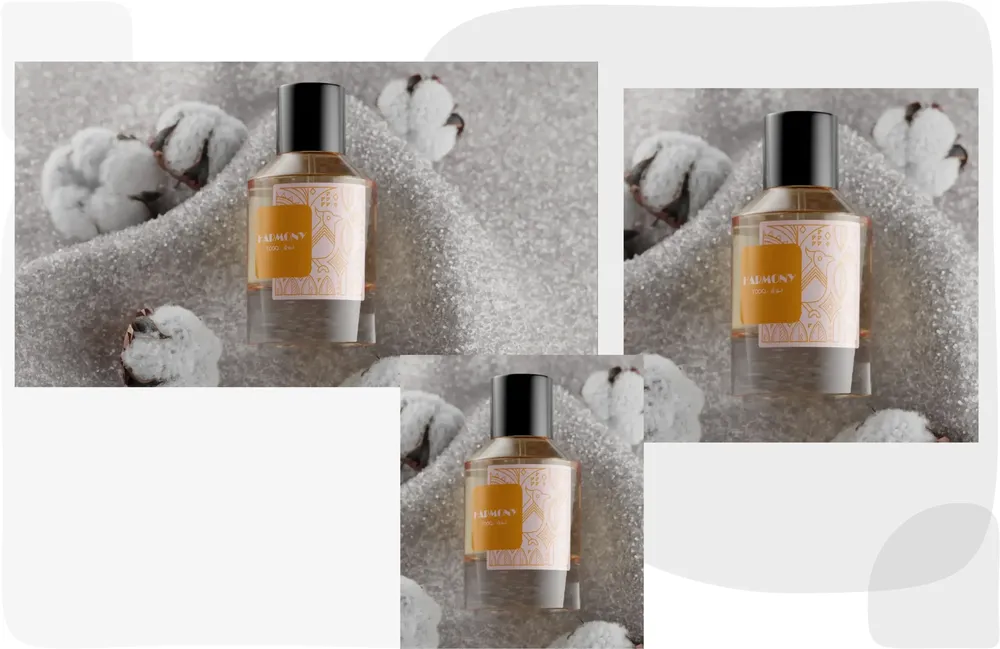
Smart Product Showcase
Editorial-grade product presentation.
Showcase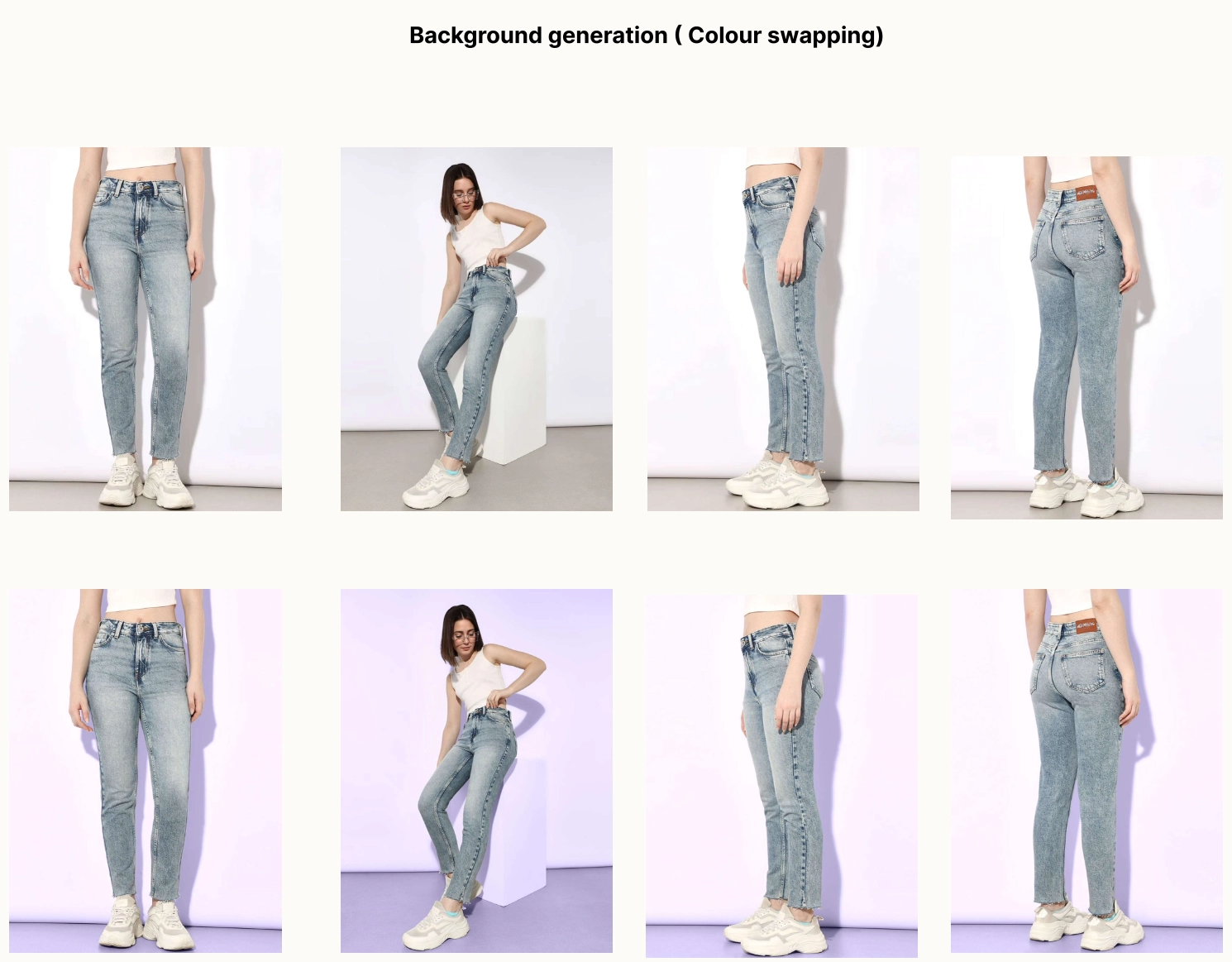
AI Colour Shift
Shoot one colorway — render the full seasonal palette from SKU data.
Colour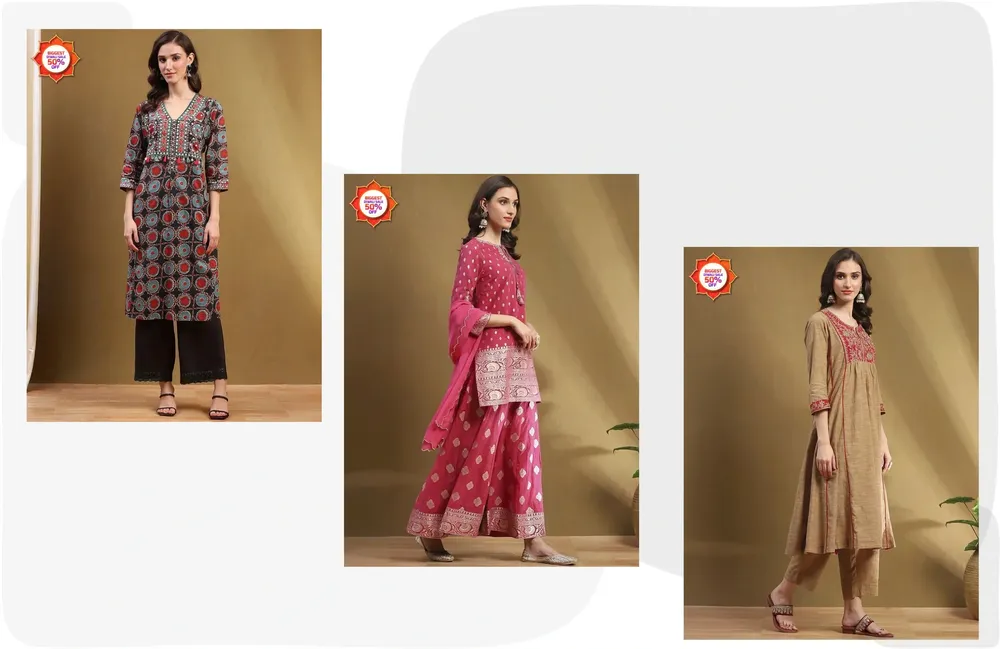
Watermark & Logo
Protect and brand imagery at scale.
BrandingSeven features tailored for fashion
Background Removal & AI Backgrounds
Clean cut-outs or generated scenes in one pass.
Model Swaps for Diversity
Re-cast talent while holding brand consistency.
Smart Cropping for Perfect Fit
AI framing tuned to garment and pose.
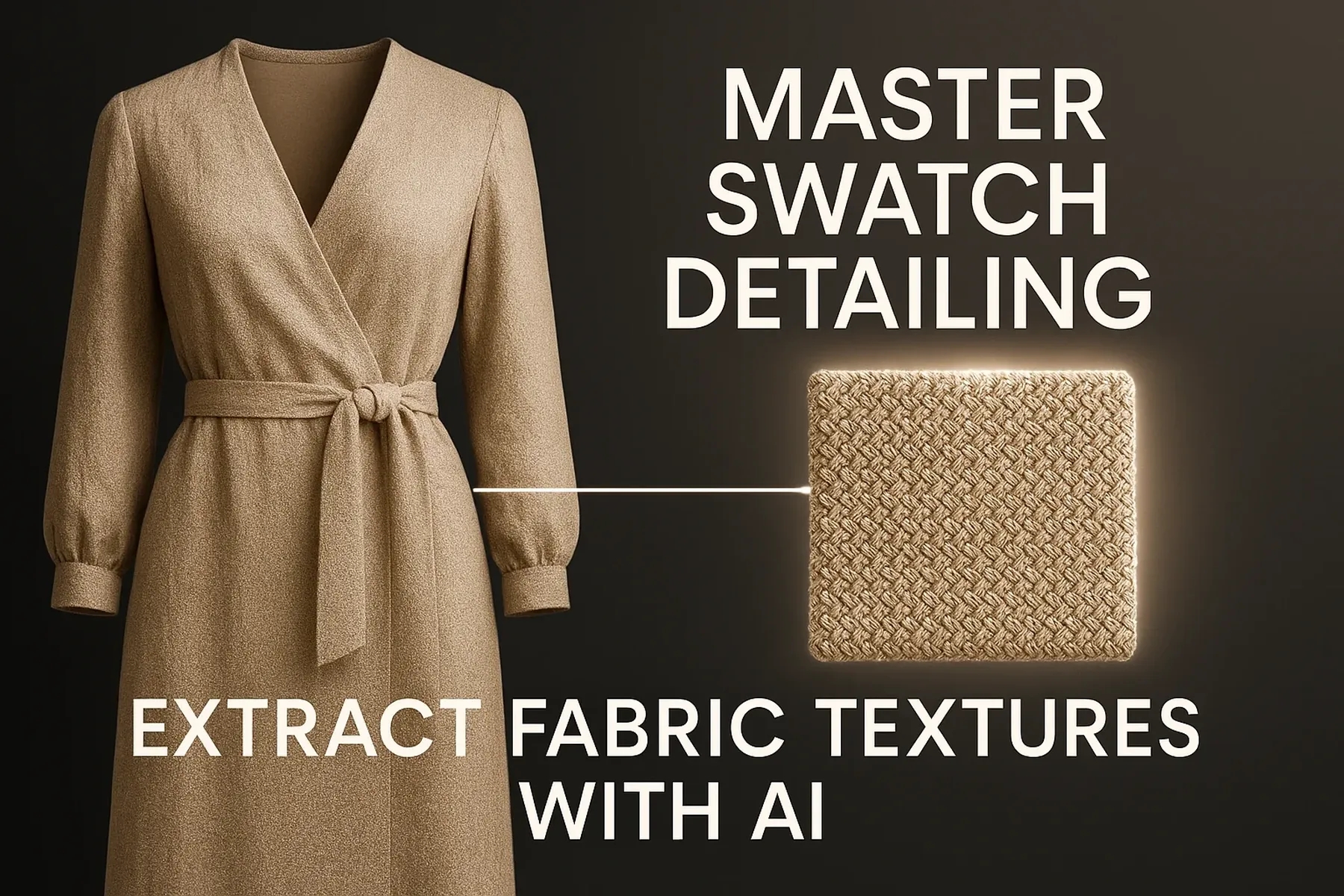
Fabric Swatch Extraction
Detail-rich swatches for richer listings.
Adaptive Resizing & Subject Stretch
Every format from one master image.
Bulk Editing & Batch Processing
Whole campaigns in a single run.
AI Watermark & Logo Placement
Protect and brand at scale.
Ten advanced workflows
Outcomes fashion teams report
Who it's for
The unseen detail that closes the sale.
Shoppers can't feel fabric online — so swatches do the talking. ZYNG auto-extracts detailed, true-to-material swatches that build confidence and cut return rates.
Swatch Examples
Detailed, true-to-fabric swatches on the listing.
Swatch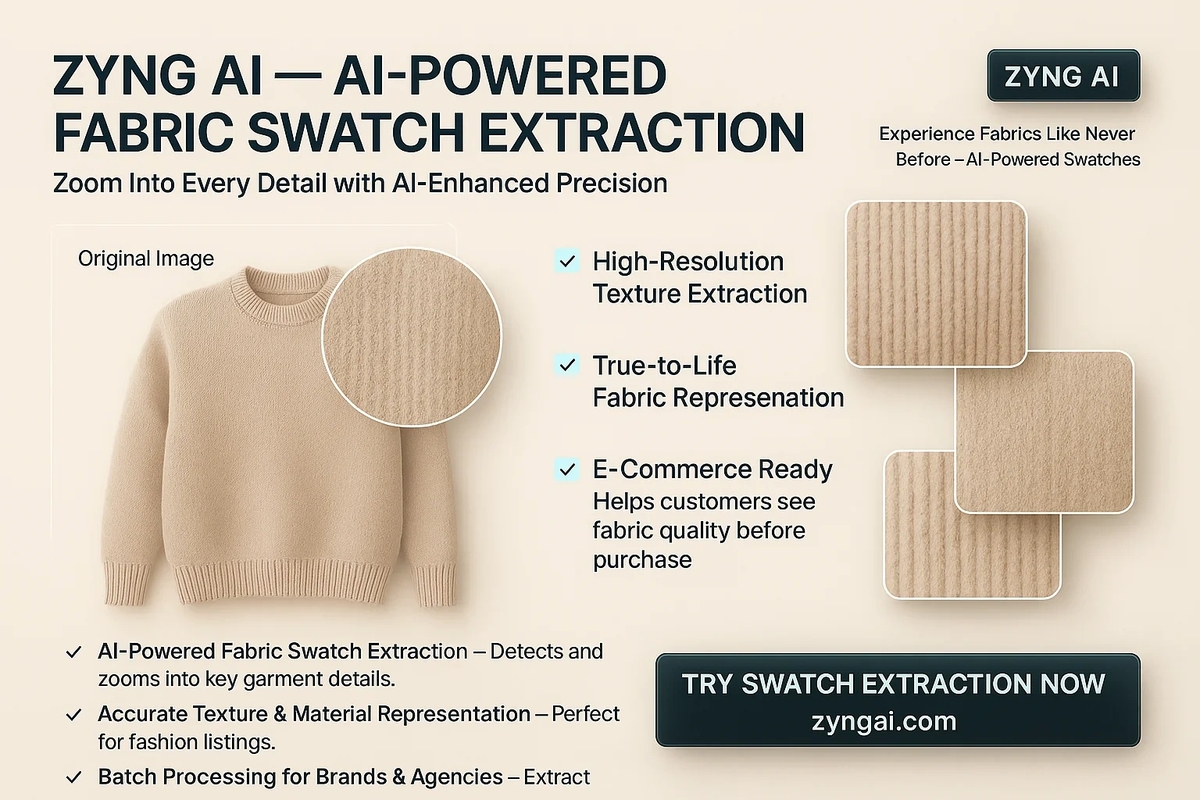
Swatch Detail
Weave and texture rendered true to life.
Detail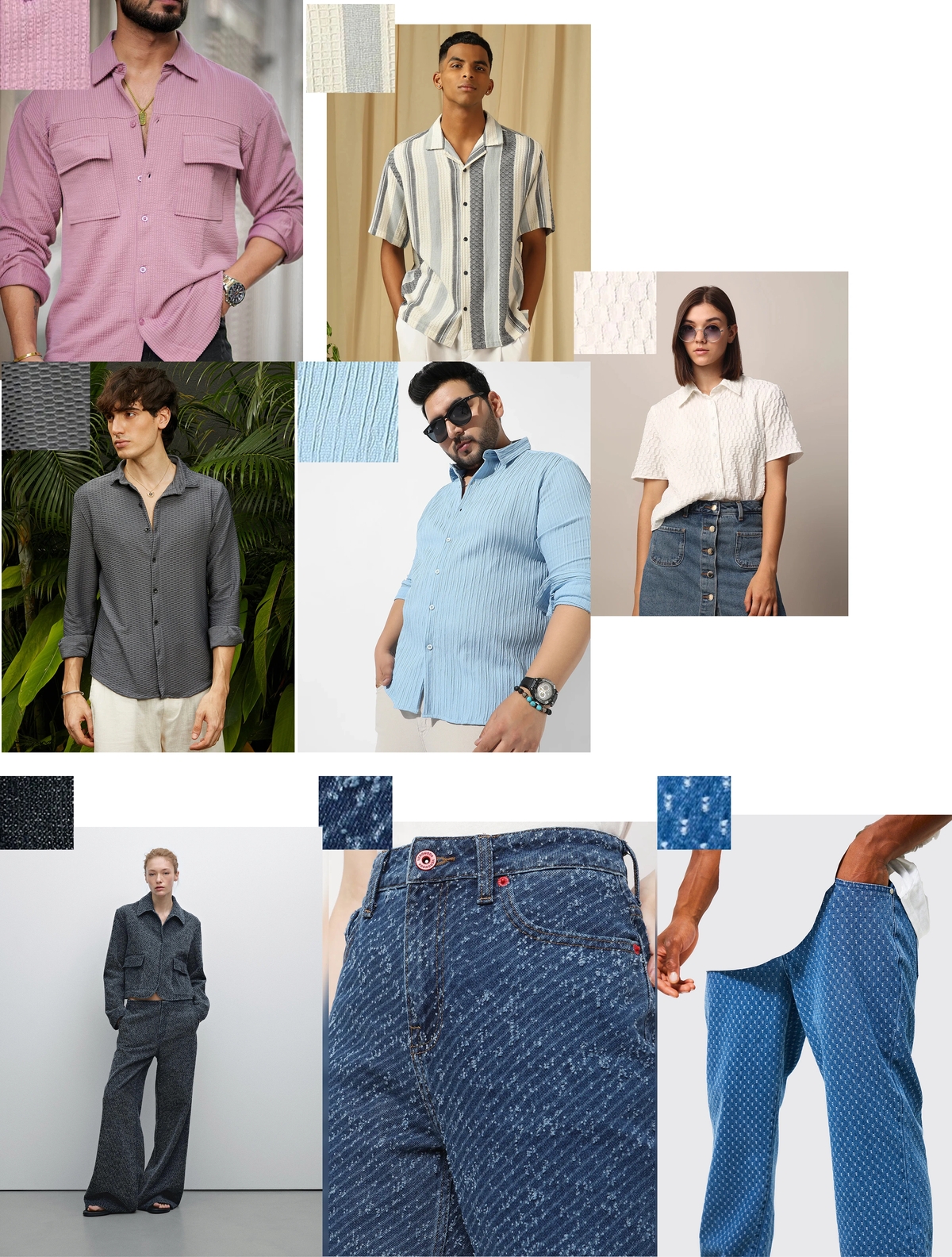
Multiple Swatches
Extract a full colorway set in one run.
Batch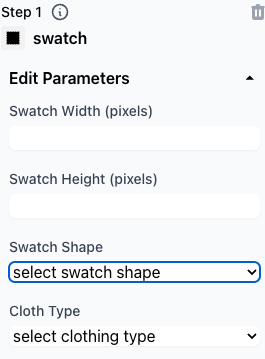
Extraction Process
From garment shot to clean swatch, automatically.
ProcessCore features
Smart Fabric Detection
Finds and isolates the textile region.
Texture Enhancement
Brings out weave and material depth.
Automated Extraction
No manual cropping or masking.
Intelligent Lighting
True-to-life color and tone.
The future of fabric imaging
Four precision crops, one consistent catalog.
Fashion listings live or die on framing. ZYNG's cropping workflows produce precise, repeatable crop variants from each shot — so every product is presented the same professional way at scale.
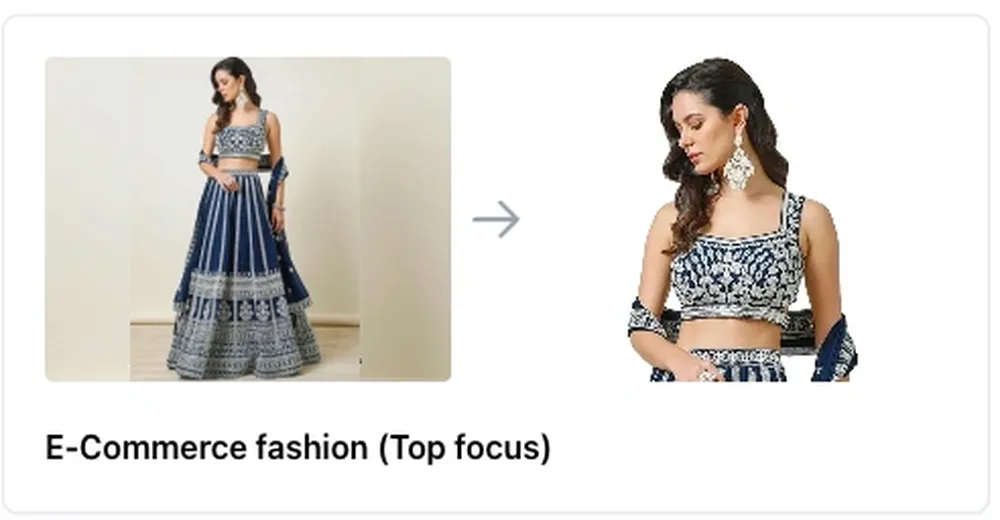
Top Focus
Frames the upper body for apparel.
Crop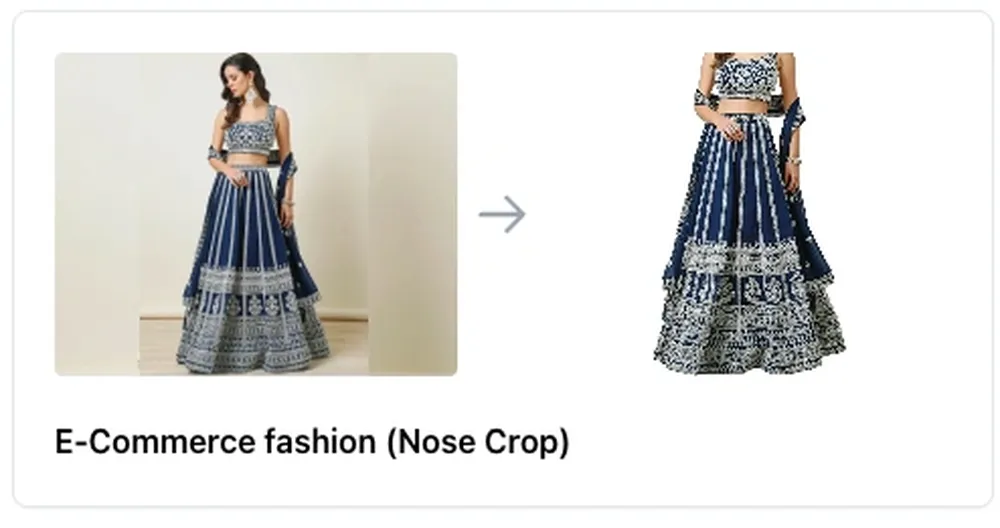
Nose Crop
Editorial close framing on the face line.
Crop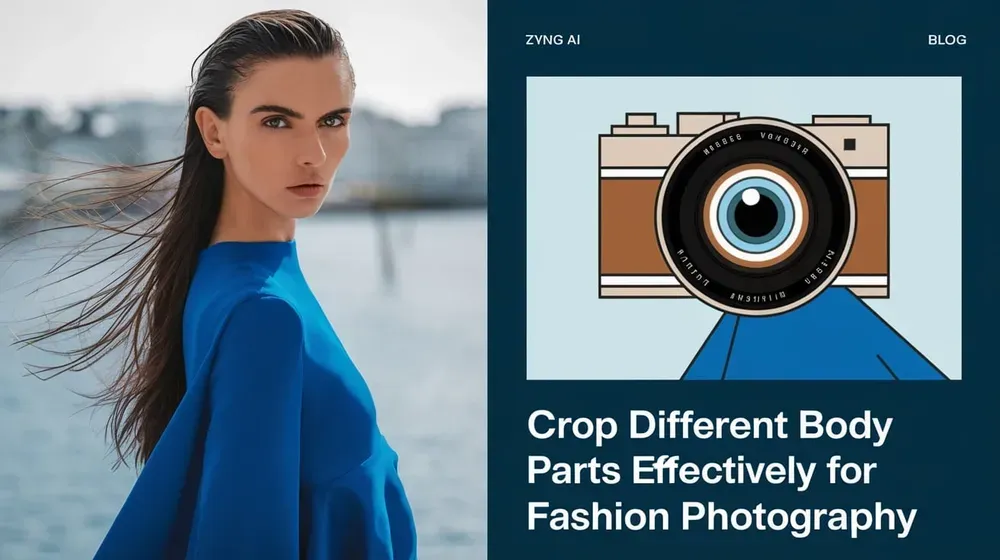
Cropping Workflow
Repeatable crop rules across the catalog.
WorkflowWhy professional imagery is critical
Build Trust
Clean, credible product pages.
Highlight Details
Frame the garment, not the noise.
Drive Conversions
Better framing, higher add-to-cart.
Elevates editing at scale
Crops that understand the human form.
ZYNG detects subject geometry — pose, proportions, head-room — and frames every shot precisely and identically, so a whole catalog looks like it was styled by one art director.
Body-aware framing in action
Body-Aware Crop
Consistent framing across the entire set.
Crop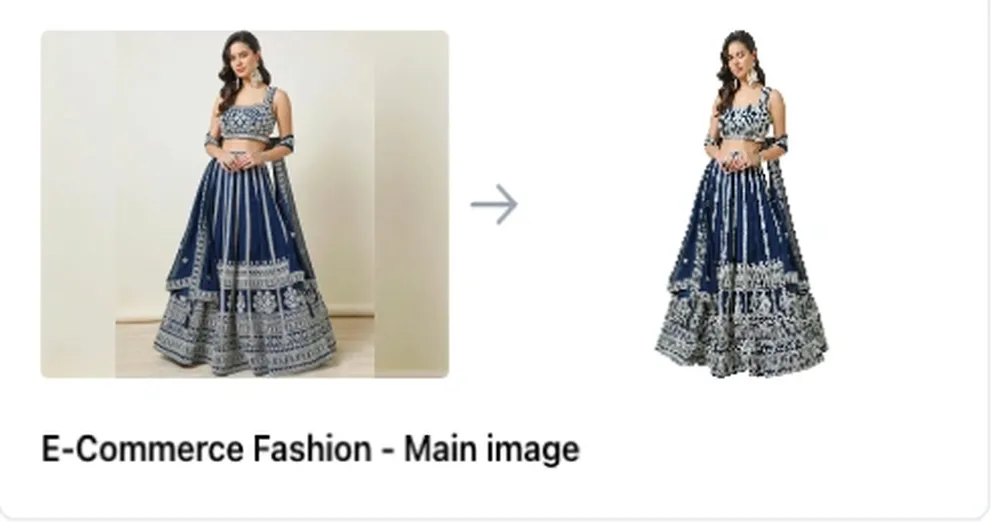
On-Spec Main Image
The framed hero result, perfectly on-spec.
ResultWhy it matters
SEO knock-on effects
Remove anything. Keep everything that matters.
Point at the distraction — studio rigs, stray props, clutter — and GenAI Erase removes it and rebuilds the space behind it. Then run it across a whole batch for clean, professional visuals at scale.

GenAI Erase
Element removed, background reconstructed.
Erase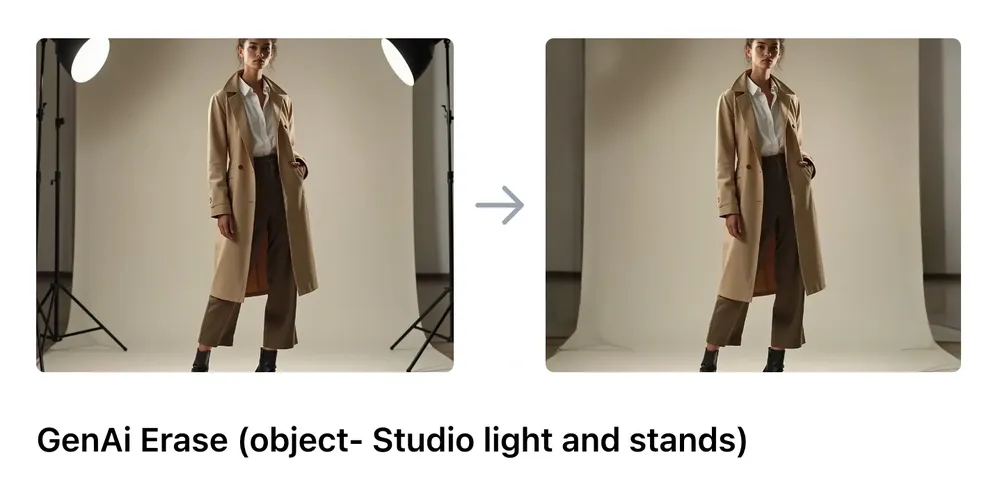
Removing Studio Equipment
Strip rigs and stands from the frame.
Erase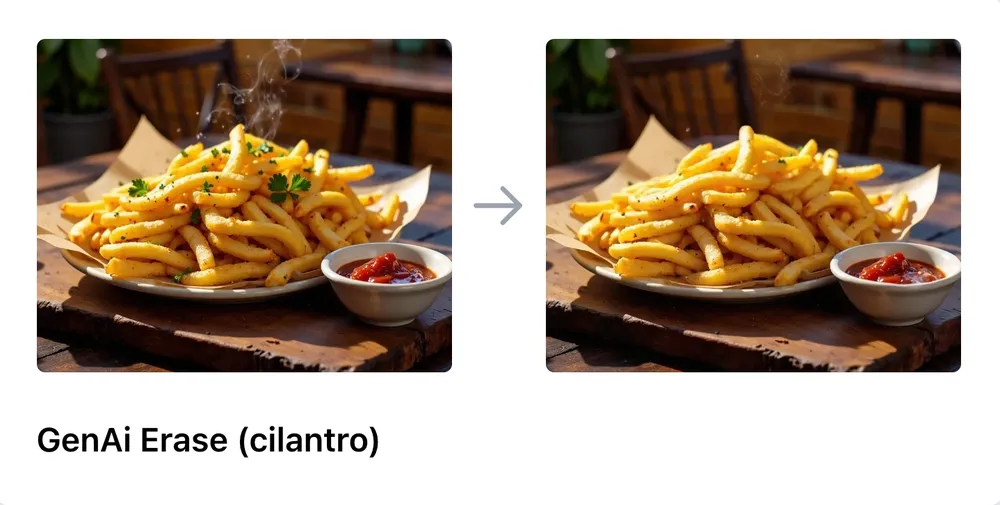
Refining Food Photography
Clean clutter for appetizing shots.
Erase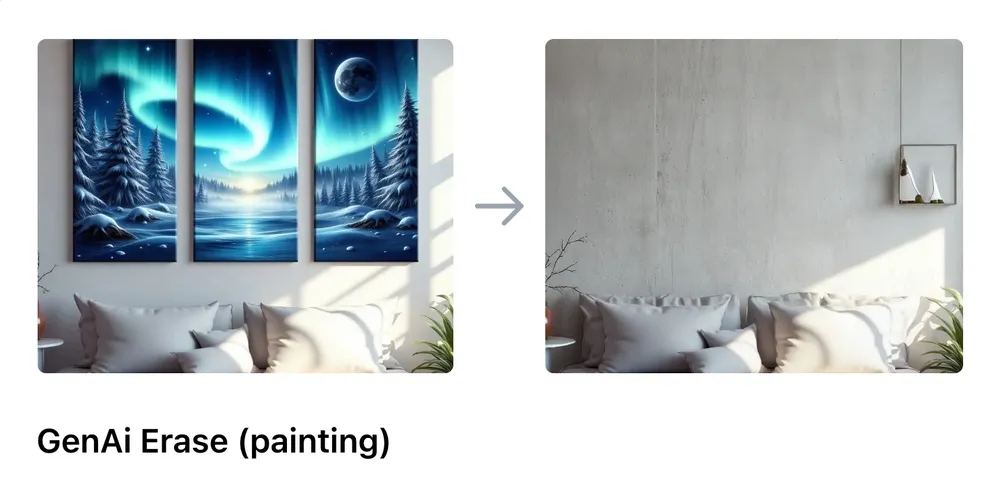
Simplifying Interiors
Remove distractions from room scenes.
Erase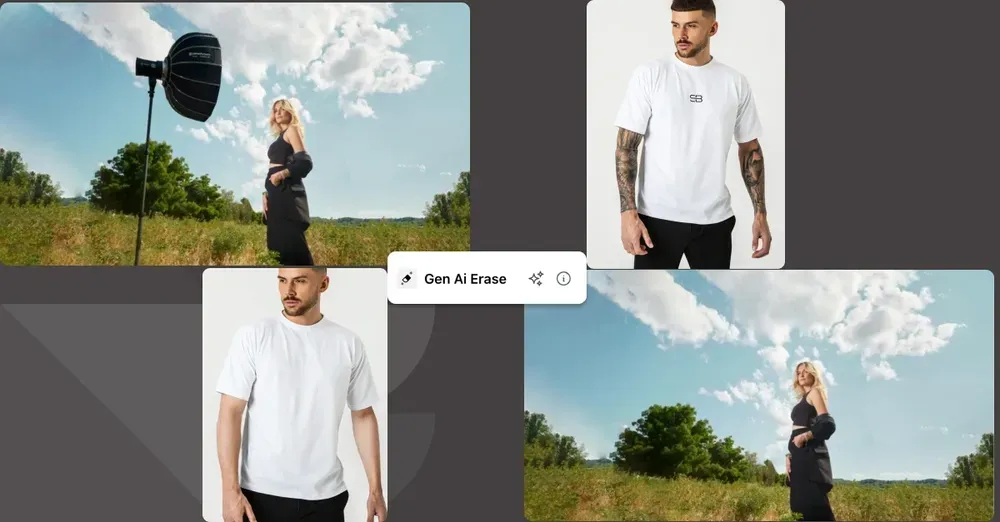
Erase Workflow
How erase supports bulk pipelines.
WorkflowBuilt for bulk workflows
Compliant ID photos, AI precision.
Turn an ordinary photo into a professional, regulation-ready ID picture — corporate badges, student cards and licenses, correctly framed and background-perfect, in seconds.
The 4-step ID workflow
Crop & Focus
Center and size the face to spec.
Face Retouch
Clean, natural, presentable.
Remove Background
Swap to a compliant flat backdrop.
Final Enhancement
Polish lighting and export.
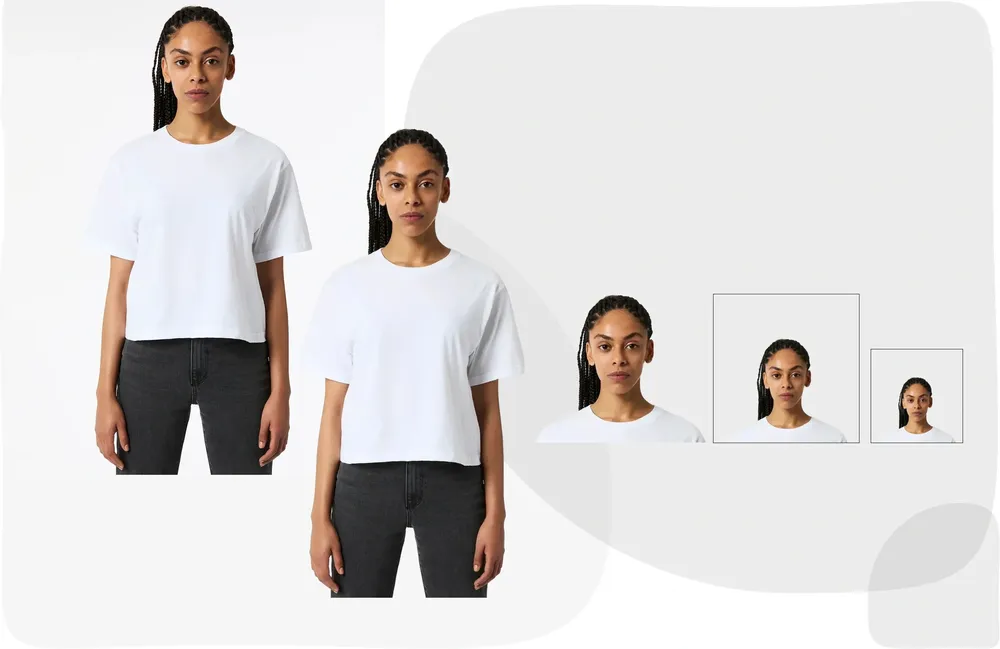
Passport / ID Photo
Spec-compliant, background-perfect output.
ID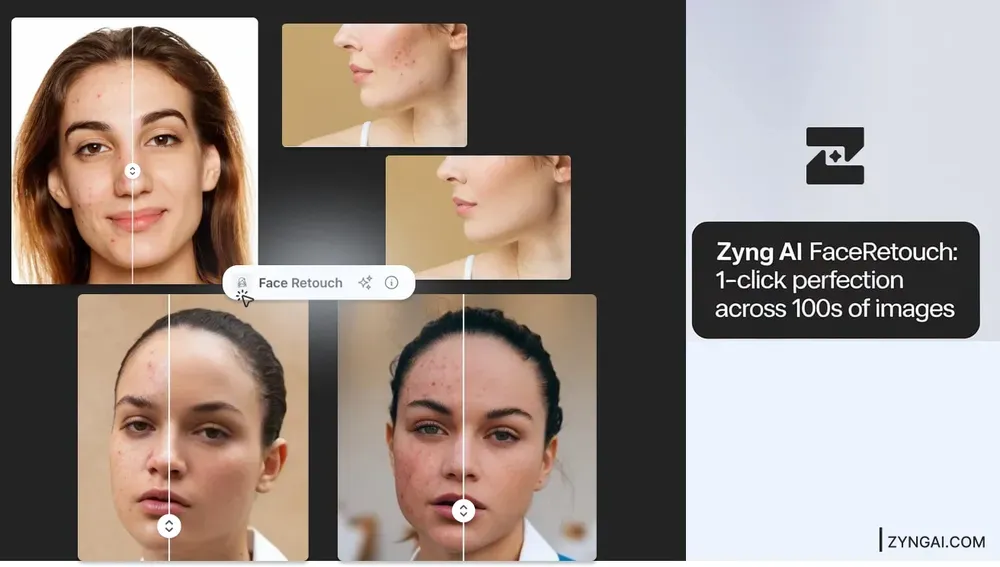
Clean Retouch
Natural, presentable finish.
RetouchIngest raw photography. Output channel-ready assets.
Every workflow above runs on one Visual Operating System for commerce — at enterprise scale. Bring your catalog.