Every
function.
Your sandbox.
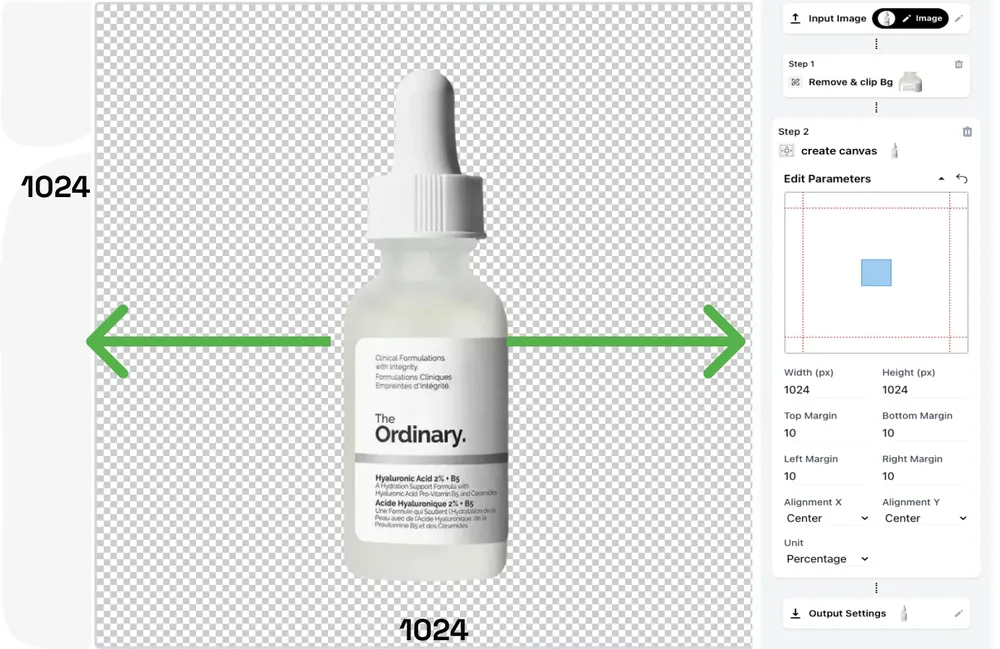
Every production-ready ZYNG OS function in one sandbox. Set your own aspect ratios and margin guidelines, target exact resolutions, interlink functions into workflows — and run them on one image or an entire catalog.
Nine functions.
Granular control.
Every visual intelligence endpoint in ZYNG OS, ready to try in the sandbox. Call any function individually or chain them in sequence — each accepts custom parameters per SKU, channel, and brand rule, so outputs are always contextual, never templated.
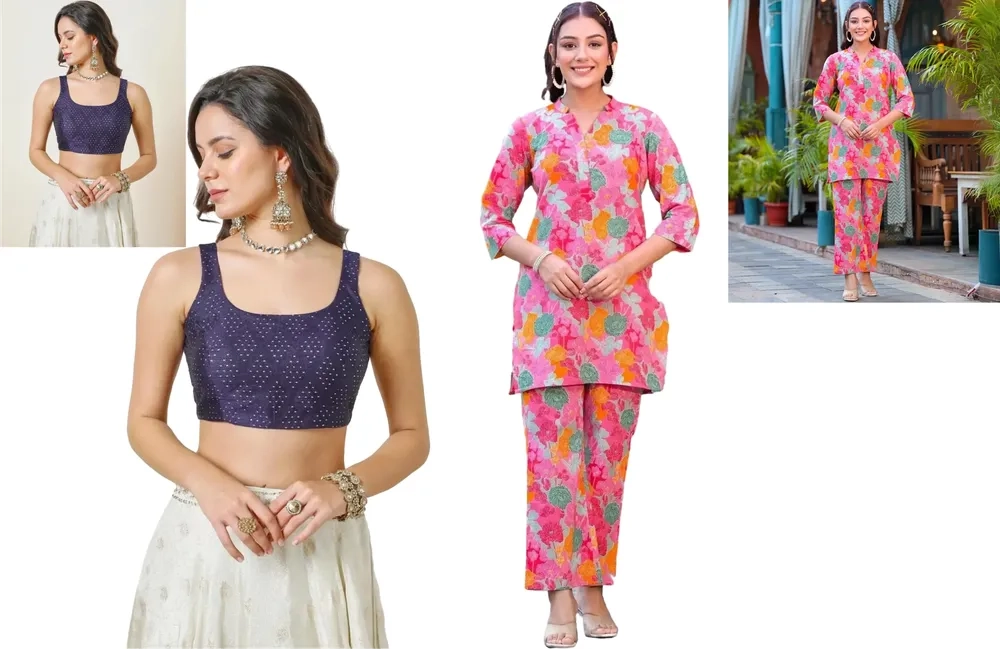
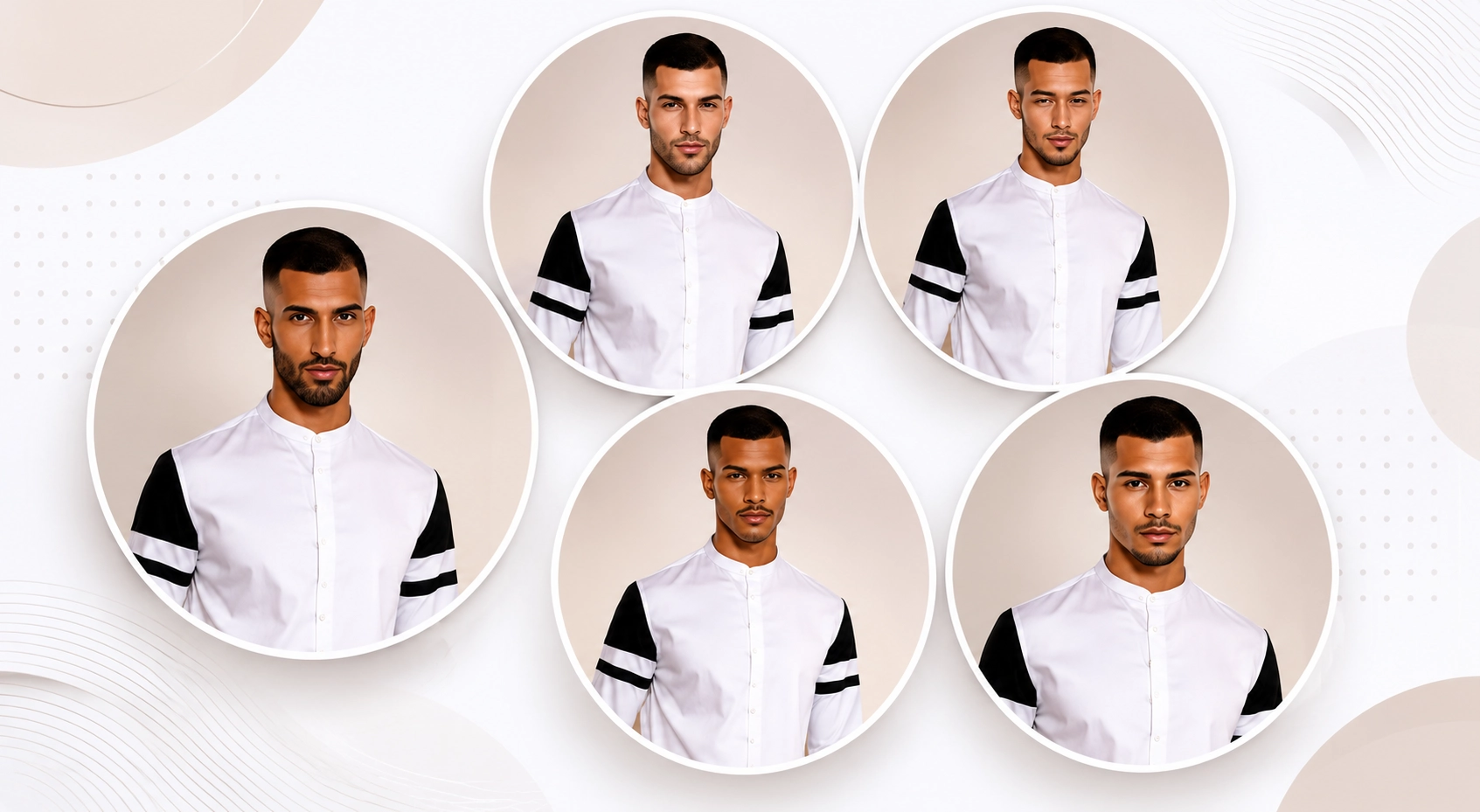
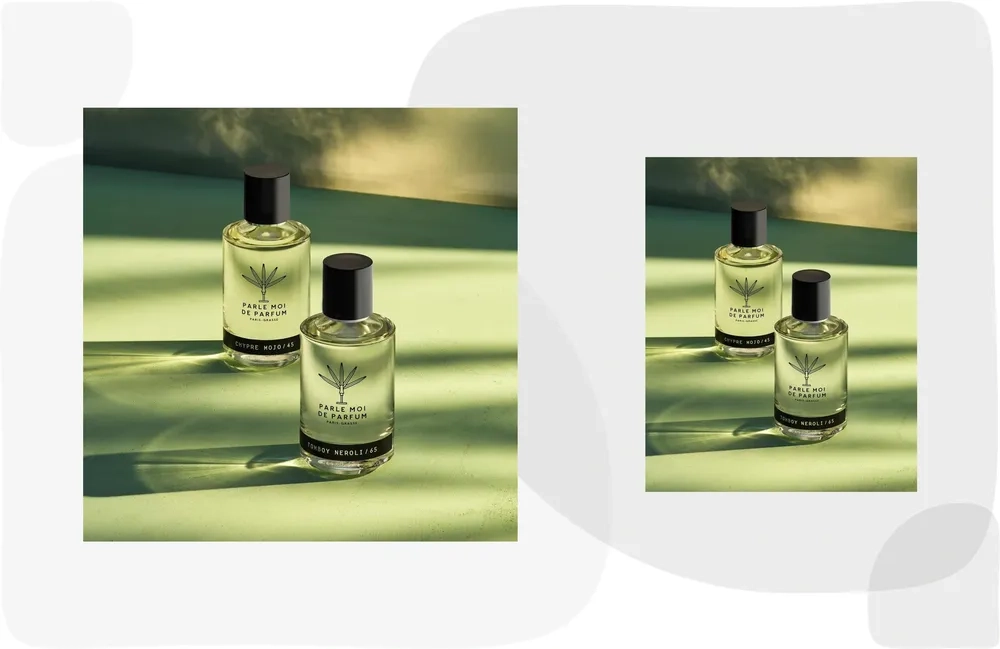
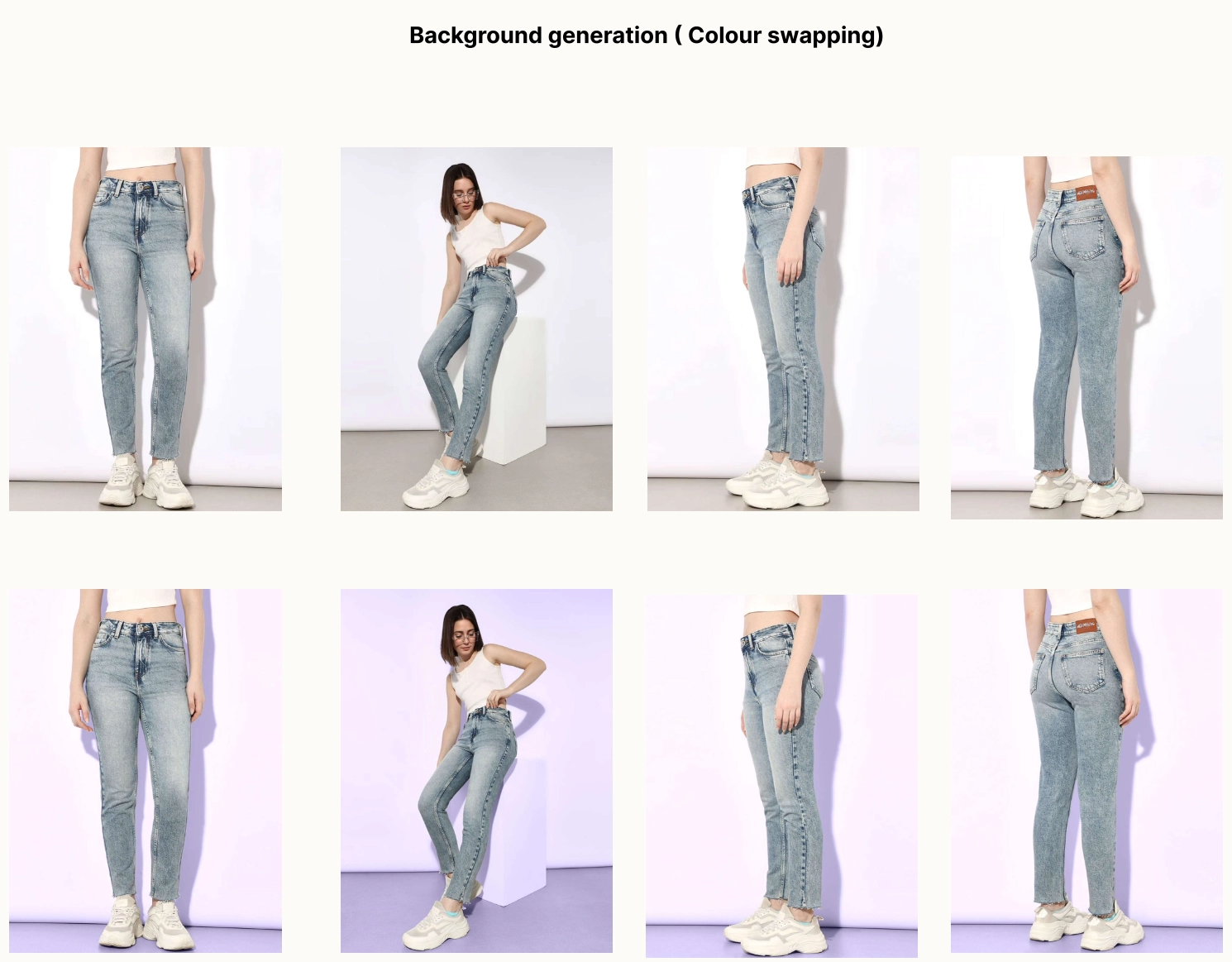
 01 / 09
Background Removal
POST/v1/bg-removalPixel-precise subject extraction with embedded vector clipping paths — clean cutouts, masks, and alpha exports from a single raw shot.
Run this function →Upload your asset and see real-time transformation.
Your guidelines.
Pixel-perfect, every time.
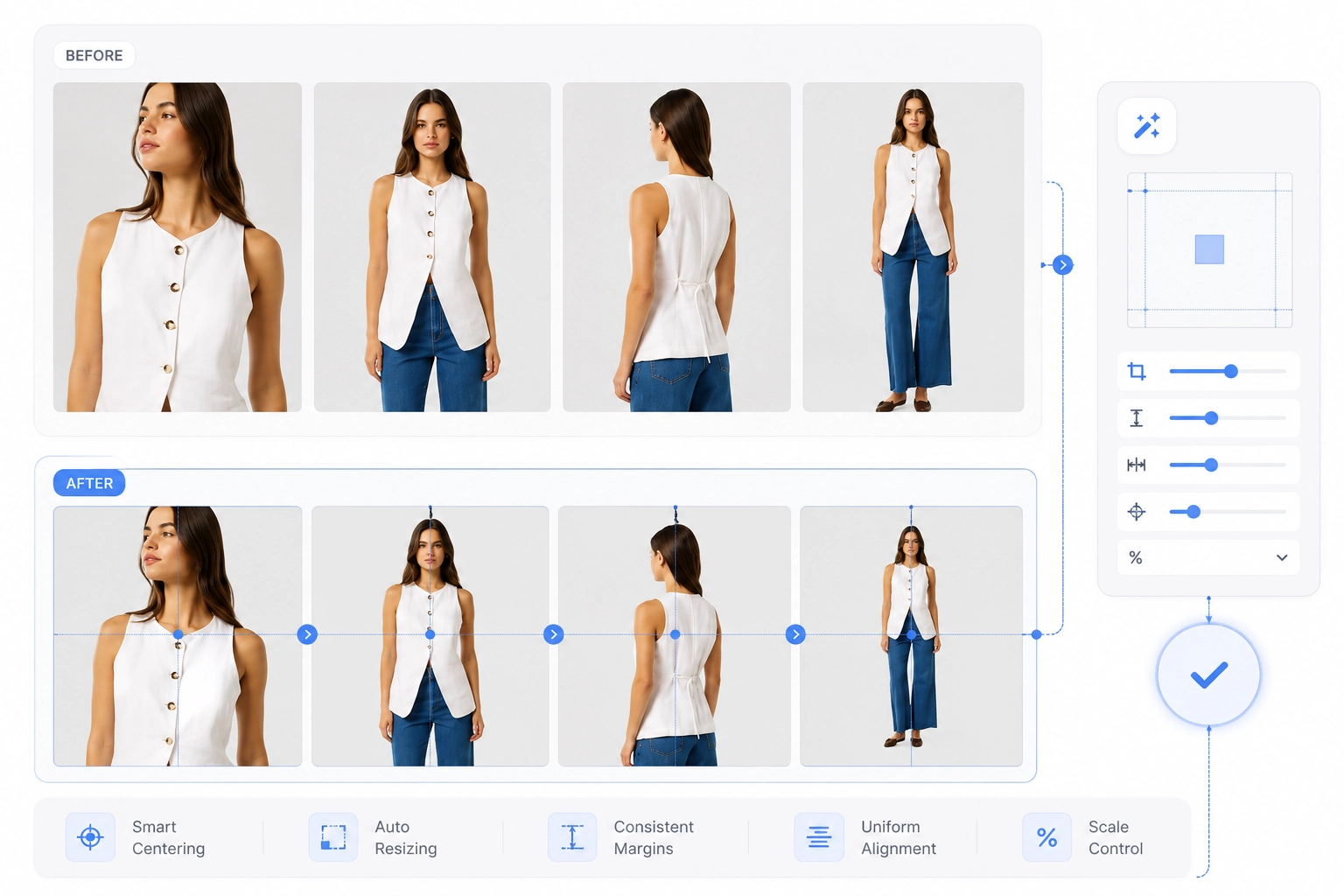
Watch the canvas obey. Set any aspect ratio, define per-side margin guidelines, target HD, 4K, or 8K — and the engine re-frames every asset to spec, automatically zeroing margins where the product is cropped.
Interlink functions.
Watch it run.
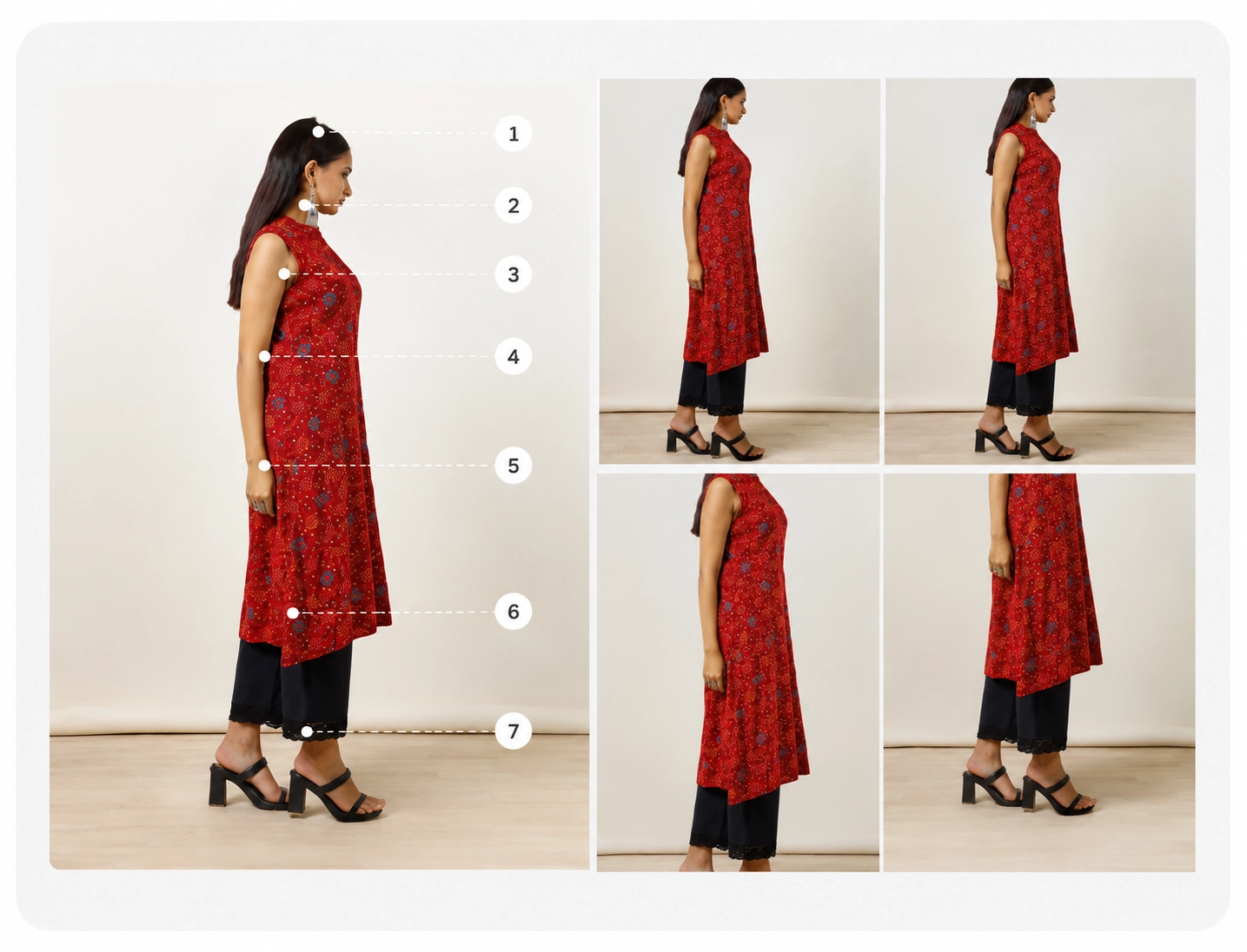
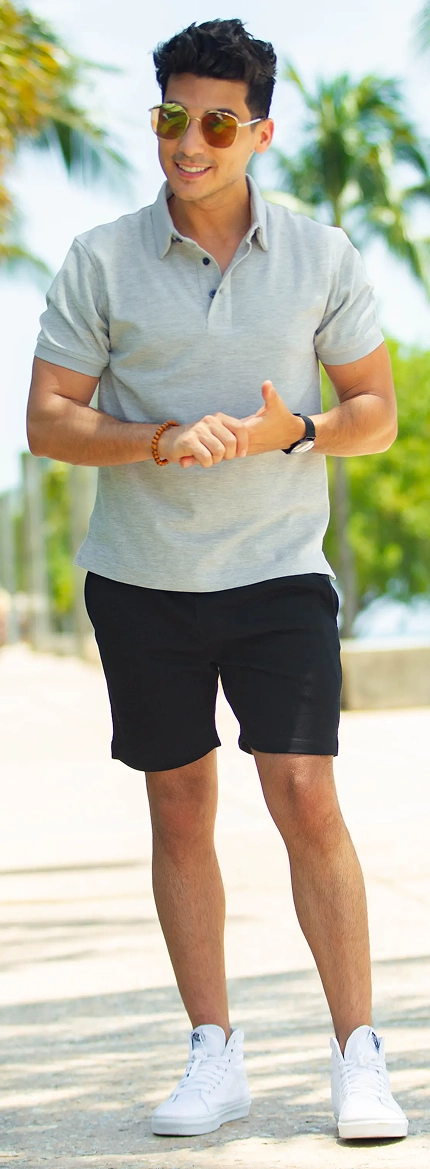
Follow one figure through the chain: cropped at the nose — everything above removed, the remaining body cut-out is resized and outpainted, its background colour shifts, and the file ships in a new format. Each step pipes its result into the next — run it on one asset, or point it at ten thousand.
keep: body below
canvas: 4:5 · outpaint
subject: preserved
size cap: < 250 KB
Run individually
Test any single function in isolation with live previews — tune parameters until the output is exactly right before committing to a batch.
Chain into workflows
Pipe the output of one function into the next. Reorder, add, or remove steps freely — each step keeps its own guidelines and parameters.
Execute in bulk
Point a saved workflow at a folder and run it across thousands of SKUs. Same chain, same guidelines — perfectly uniform output at catalog scale.
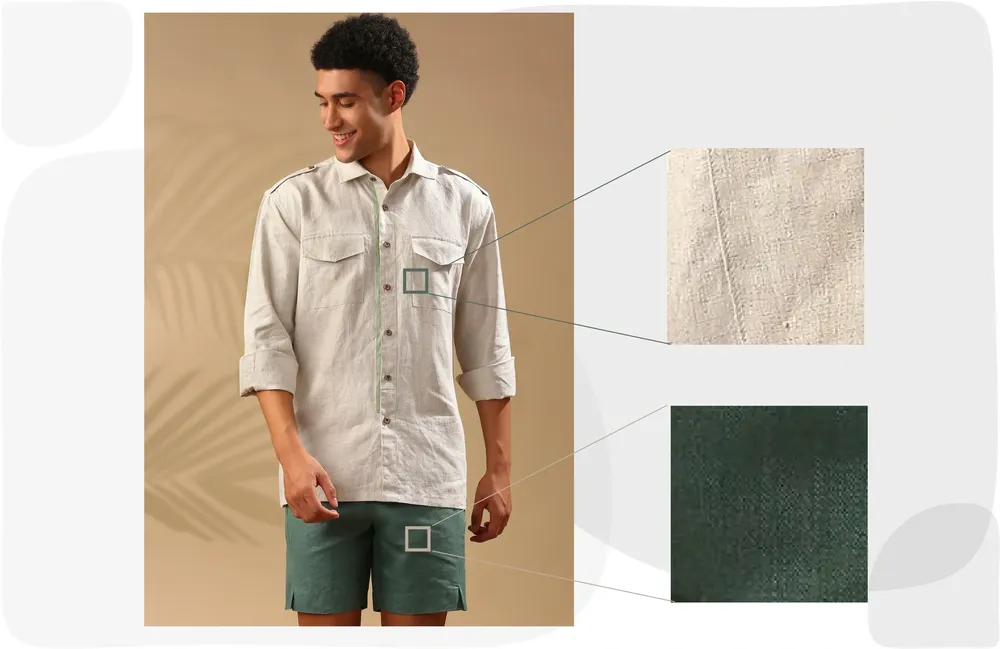
Texture & Pattern Swatches.
Extracted Automatically.
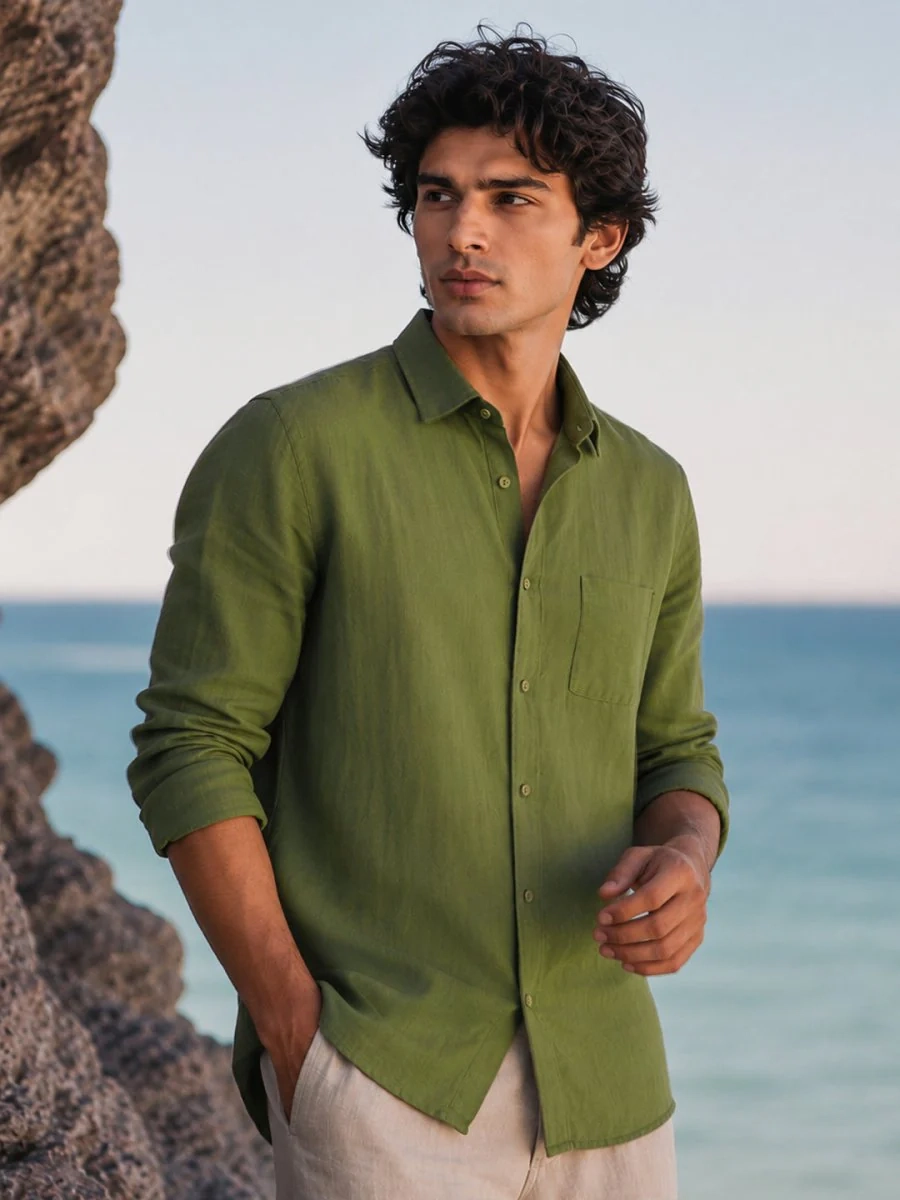
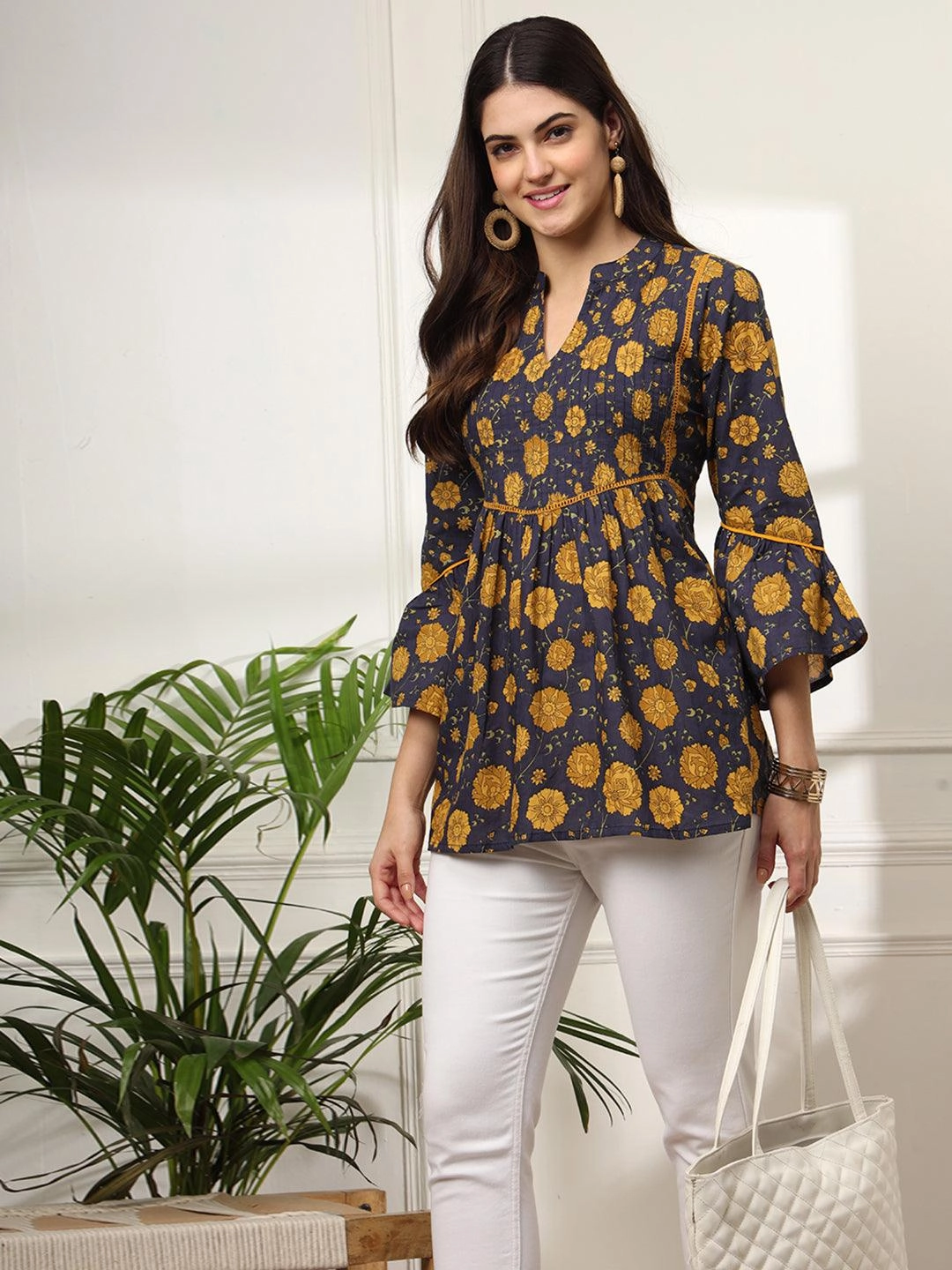
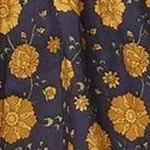
ZYNG OS detects fabric regions and pattern repeat units within raw SKU images and generates standardised, print-ready swatch assets — configurable by type, shape, and cloth category.
Everything about the AI Studio
What is the ZYNG OS AI Studio?
Can I set my own aspect ratios and margin guidelines?
What output resolutions does the sandbox support?
How does batch processing work?
Can I chain functions into a single workflow?
How does the Swatch Extraction Engine work?
Open the sandbox and start building.
Upload an asset, set your guidelines, chain your first workflow — and see channel-ready output in minutes.